
How to Protect Your Personal Data Online (Advanced Complete Guide)
Every click you make online leaves a trace.
From online shopping and digital banking to social media browsing and cloud storage, your personal information constantly moves across networks, servers, and databases. While technology makes life easier, it also increases exposure to cyber threats.
Data breaches, phishing scams, identity theft, spyware, and social engineering attacks are no longer rare incidents. They are everyday risks.
Learning how to protect your personal data online is no longer optional it is essential digital survival.
This advanced guide goes beyond basic advice. It explains not just what to do, but why it works, and how to build long-term digital resilience.
Learning how to protect your personal data online should be a priority for every internet user today.
Understanding What “Personal Data” Really Means
Before protecting your data, you need to understand what counts as personal information.
Personal data includes:
Full name
Email addresses
Phone numbers
Home address
Banking details
Credit card numbers
Login credentials
IP address
Location history
Biometric data
Browsing behavior
Even small details like your pet’s name or favorite sports team can be used in social engineering attacks.
In the US and UK, privacy laws such as GDPR (UK/EU influence) and data protection regulations emphasize how sensitive personal data truly is.
This is why learning how to protect your personal data online should be a priority for every internet user.
The Real Threat Landscape in Today’s Digital World
Understanding modern cyber threats helps you stay one step ahead.
1️⃣ Data Breaches
Companies store millions of user records. When their systems are compromised, your data can leak without you even knowing.
2️⃣ Phishing & Social Engineering
Attackers trick users into voluntarily giving away passwords or financial details.
3️⃣ Credential Stuffing
Hackers reuse leaked passwords across multiple platforms.
4️⃣ Malware & Spyware
Malicious software can secretly track your activity.
5️⃣ Identity Theft
Criminals use stolen data to open accounts or commit fraud in your name.
The UK National Cyber Security Centre provides updated guidance on staying secure online:
https://www.ncsc.gov.uk/collection/top-tips-for-staying-secure-online
Build a Strong Foundation: Password & Authentication Security
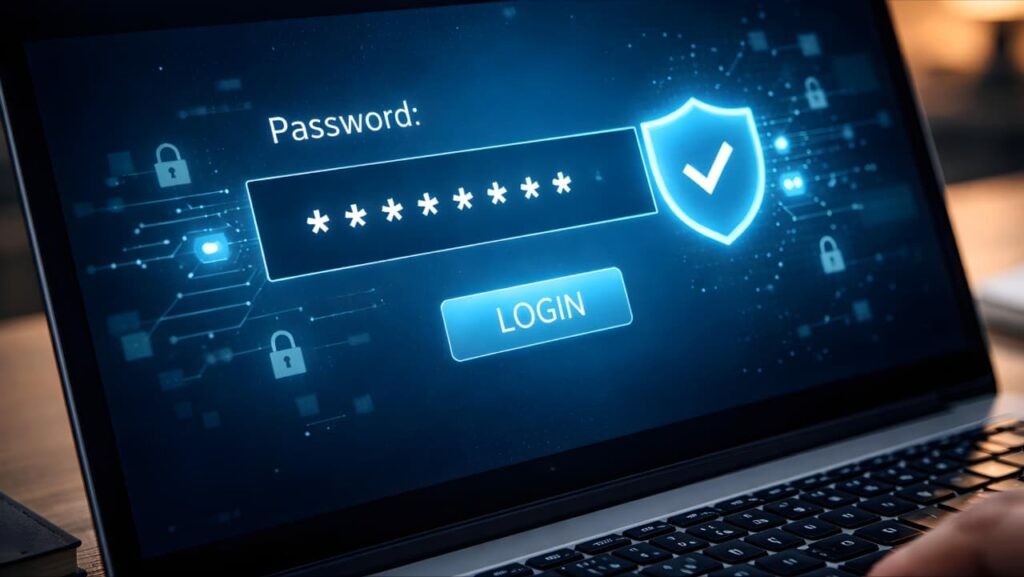
Use Long, Unique Passwords
Weak passwords are still the #1 cause of account compromise.
Best practice:
✔ Minimum 12–16 characters
✔ Mix of letters, numbers, symbols
✔ No personal information
✔ Unique for every account
Avoid password reuse at all costs.
Use a Trusted Password Manager
Password managers:
Generate complex passwords
Store them securely
Autofill safely
Protect against phishing by recognizing real domains
This reduces human error significantly.
Enable Multi-Factor Authentication (MFA)
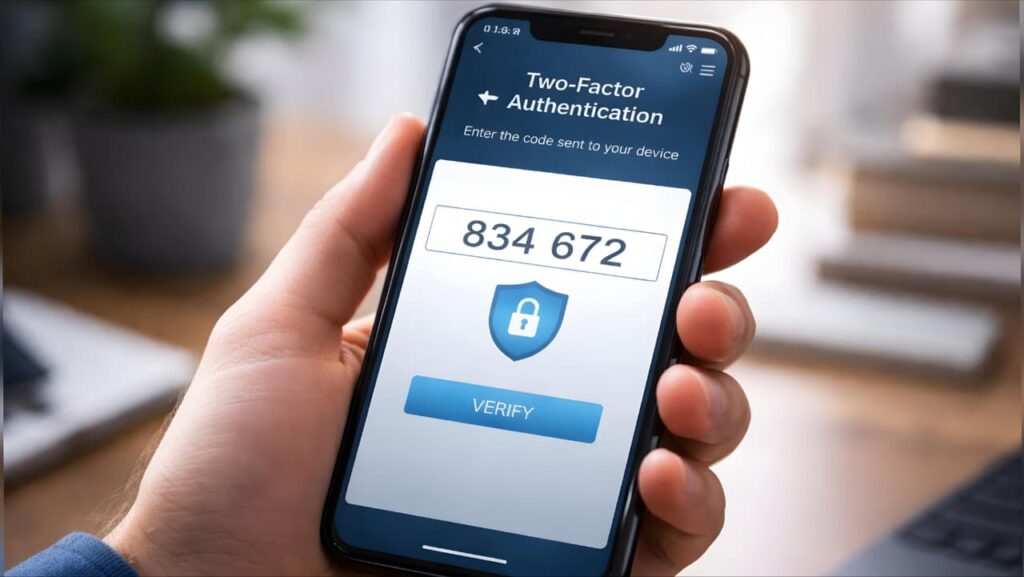
Two-Factor Authentication (2FA) or Multi-Factor Authentication (MFA) adds a second verification layer.
Even if someone steals your password, they cannot access your account without:
SMS verification code
Authenticator app code
Biometric confirmation
Use it especially for:
Email
Banking
Cloud storage
Social media
Work accounts
Google also offers detailed online safety tools and account protection features here:
https://safety.google/
When you understand how to protect your personal data online, simple security habits can make a huge difference.
Device Security: Your First Line of Defense
Your devices are the gateways to your data.
Keep Operating Systems Updated
Updates patch security vulnerabilities.
Enable:
✔ Automatic updates
✔ Security patch notifications
✔ App updates from official stores
Use Full Disk Encryption
Most modern smartphones and laptops offer built-in encryption.
Encryption ensures that even if your device is stolen, your data remains unreadable without authentication.
Use Screen Locks and Biometric Protection
Never leave devices unlocked.
Use:
Face ID
Fingerprint lock
Strong PIN codes
If you want to improve overall device safety, check our detailed guide on phone overheating and how it affects device performance.
Secure Your Home Network
Many people forget that WiFi routers are security entry points.
Change Default Router Credentials
Default admin usernames and passwords are easily guessed.
Use WPA3 or WPA2 Encryption
Avoid outdated security protocols.
Disable WPS If Not Needed
WPS can sometimes be exploited.
Keep Router Firmware Updated
Router vulnerabilities are often overlooked.
Public WiFi Risks and Safe Usage
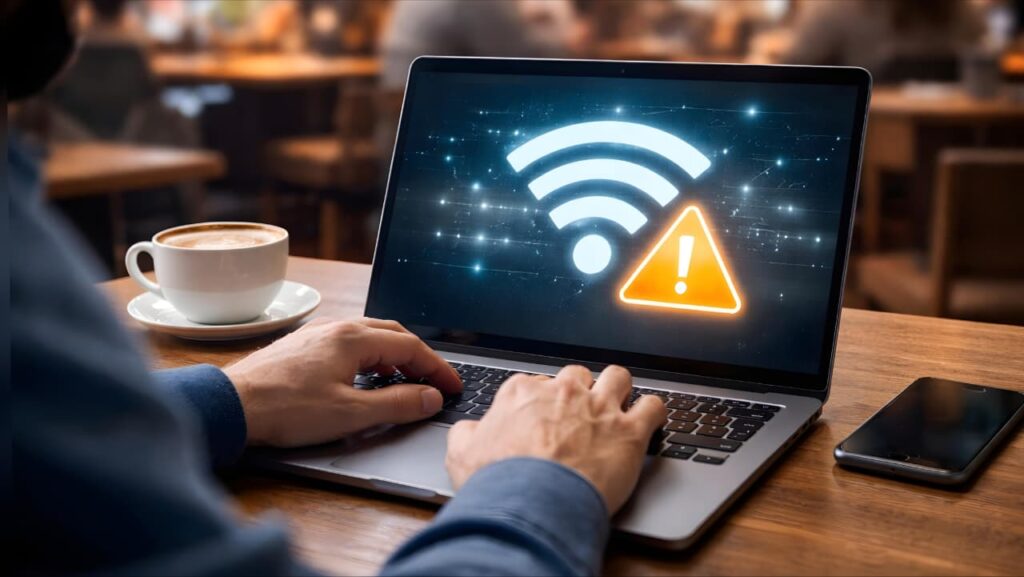
Public WiFi networks are prime attack grounds.
Never:
❌ Access banking apps
❌ Enter credit card details
❌ Log into sensitive work accounts
If necessary:
✔ Use a reputable VPN
✔ Use HTTPS-only websites
✔ Disable auto-connect
Public networks lack strong encryption protections.
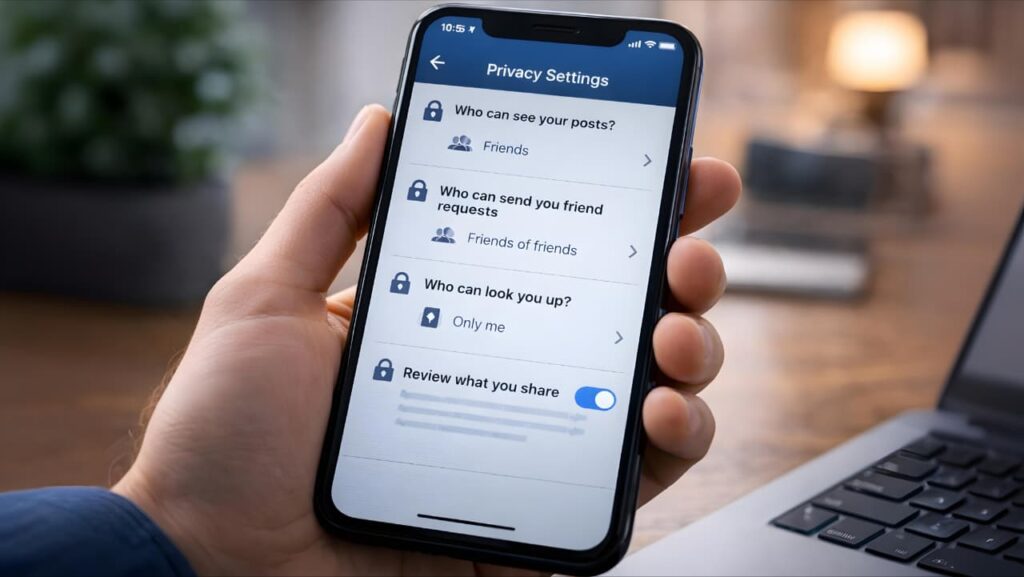
Protecting Your Data on Social Media
Oversharing is a silent risk.
Review:
✔ Privacy settings
✔ Friend lists
✔ Tagging permissions
✔ Location sharing
Avoid posting:
Travel plans
Home address
Financial documents
Children’s school details
Attackers often use publicly available data for targeted scams.
Phishing & Scam Detection (Advanced Awareness)
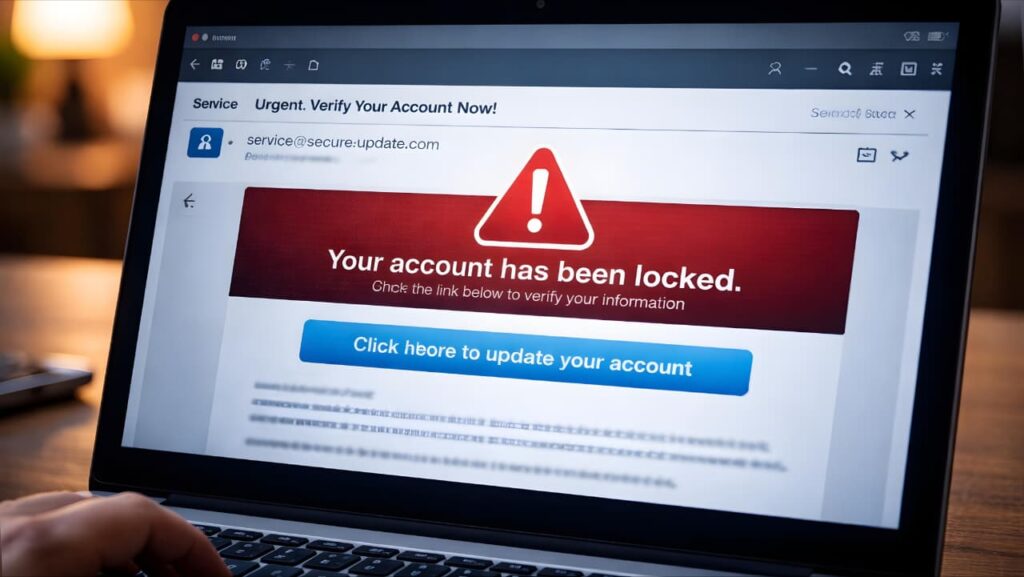
Phishing attacks are becoming more sophisticated.
Watch for:
Urgent tone (“Act Now!”)
Suspicious sender addresses
Slightly misspelled website domains
Requests for personal verification
Always manually type official website URLs instead of clicking links from emails.
Monitor Your Digital Footprint
You should regularly:
✔ Search your name online
✔ Check if your email appears in known data breaches
✔ Delete unused accounts
✔ Remove unnecessary app permissions
Reducing your digital footprint reduces your attack surface.
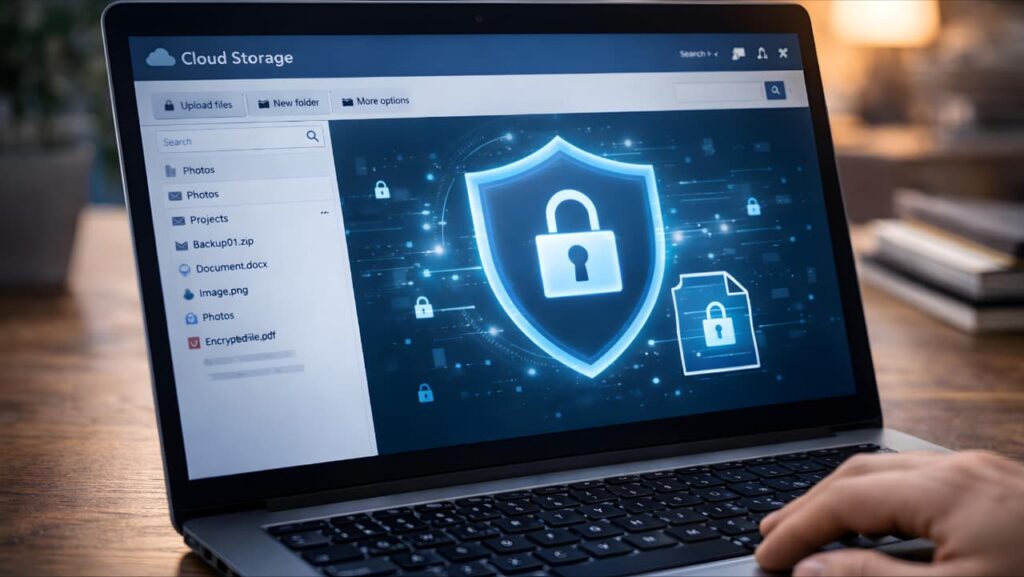
Cloud Storage Security
Cloud storage is convenient but must be secured.
Best practices:
✔ Use strong passwords + 2FA
✔ Encrypt sensitive files before uploading
✔ Share links with limited access
✔ Disable public file access
Remember: convenience should not replace caution.
Protecting Financial Data
Financial information is the most targeted data type.
Safety measures:
✔ Use secure banking apps only
✔ Enable transaction alerts
✔ Avoid saving card details on shopping sites
✔ Use virtual cards where possible
Immediately report suspicious activity.
Data Minimization Principle
One of the most advanced strategies in privacy protection is data minimization.
Ask yourself:
Does this website truly need my phone number?
Do I need to create an account to read this article?
Why is this app requesting camera access?
Share only what is absolutely necessary.
Less data shared = Less risk.
Backups & Disaster Recovery Planning
Even with maximum protection, breaches can happen.
Prepare for worst-case scenarios:
✔ Maintain offline backups
✔ Store important documents securely
✔ Keep identity recovery documents ready
✔ Know how to freeze your credit (US users)
Preparedness prevents panic.
Advanced Privacy Techniques (For Serious Users)
If you want even stronger protection:
Use privacy-focused browsers
Block third-party trackers
Disable third-party cookies
Use encrypted messaging apps
Consider email alias services
These reduce tracking and targeted advertising exposure.
Common Mistakes That Increase Risk
Even careful users sometimes:
❌ Ignore software updates
❌ Reuse passwords
❌ Click suspicious attachments
❌ Use weak PIN codes
❌ Trust every app permission request
Security is not one action it is a habit.
Creating a Personal Data Protection Routine
Monthly checklist:
✔ Review account activity
✔ Update passwords if needed
✔ Check privacy settings
✔ Remove unused apps
✔ Backup critical data
Consistency builds digital resilience.
Final Thoughts - Digital Awareness Is Your Best Defense
Once you learn how to protect your personal data online, you reduce long-term digital risks significantly.
Technology will continue evolving.
Cyber threats will continue evolving too.
The difference between becoming a victim and staying safe often comes down to awareness, consistency, and proactive habits.
Protecting your personal data online is not about paranoia.
It is about responsible digital living.
If you apply:
Strong authentication
Secure devices
Smart browsing habits
Controlled data sharing
Regular monitoring
You dramatically reduce your exposure to cyber risks.
Your data is valuable.
Treat it with the same seriousness as your physical assets.