
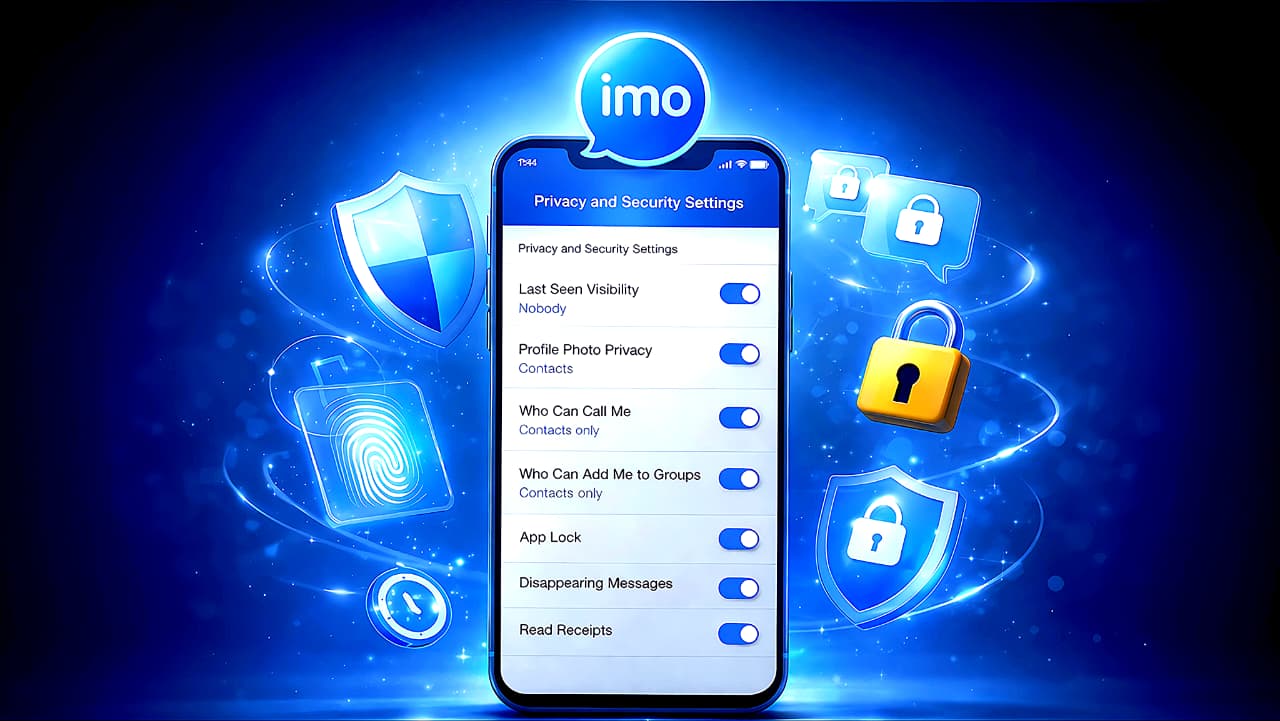
Complete Guide to imo App Privacy and Security
Introduction
Messaging apps make life easier. We use them every day for personal chats, family video calls, business discussions, and sharing photos. But convenience often comes at the cost of privacy if settings are not configured properly. Many users install imo, start chatting immediately, and never explore the privacy options available inside the app.
Understanding imo app privacy and security settings is essential if you want to use the platform safely and confidently.
Many users overlook important imo app privacy and security settings that can significantly reduce risks.
If you truly want to protect your conversations, your profile, and your data, you must understand how imo app privacy and security settings work. This guide explains everything in a practical, easy-to-understand way. No complicated technical jargon. Just clear explanations, real risks, and expert recommendations you can actually follow.
This is an evergreen safety guide designed to help you use imo more securely at any time.
What is imo App?
imo is a free messaging and video calling application that allows users to send text messages, voice notes, photos, videos, and make voice or video calls over the internet. It works on Android, iOS, and desktop devices.
Users register using their mobile number. Once verified, they can instantly connect with contacts who are also using imo. The app is popular for its low data usage, lightweight design, and smooth performance even on slower internet connections.
Why Do People Use imo?
There are several reasons why people choose imo:
It works well on low bandwidth networks.
It consumes less storage space compared to many other apps.
It offers free international voice and video calls.
The interface is simple and easy to understand.
It supports group chats and media sharing.
Because of these features, imo is widely used for both personal and semi-professional communication.
Is imo App Safe?
The honest answer is: it depends on how you use it.
imo provides multiple privacy and security controls. However, if you leave everything on default settings, your profile details, activity status, and contact access may be more open than you expect.
imo encrypts data during transmission. This protects messages while they travel across the internet. However, users should also understand chat privacy limitations, metadata exposure, and device-level risks.
When configured correctly, imo app privacy and security settings can significantly reduce risks.
According to the official imo website (https://imo.im), the app includes encryption during data transmission along with built-in privacy and account protection features.
Major Security Features in imo
imo includes several built-in safety features:
Phone number verification (OTP)
Block and report tools
Privacy chat / secret chat mode
Disappearing messages
App lock feature
Profile visibility controls
Call and group permission settings
Read receipt control
Contact sync management
Notification privacy
Chat deletion tools (including advanced delete options)
Account deletion option
Understanding each of these helps you build a strong privacy setup.
Important Privacy and Security Settings Explained
Account Verification (OTP)
What it is:
OTP (One-Time Password) verification confirms your identity using your phone number.
How it works:
When you register or log in, a temporary code is sent via SMS. Entering that code gives access to your account.
Why it matters:
Prevents unauthorized people from logging into your account without your phone.
Benefits:
Basic account-level protection.
Possible drawbacks:
If someone gets access to your SIM card, they can receive your OTP.
Expert recommendation:
Secure your SIM card and never share OTP codes with anyone.
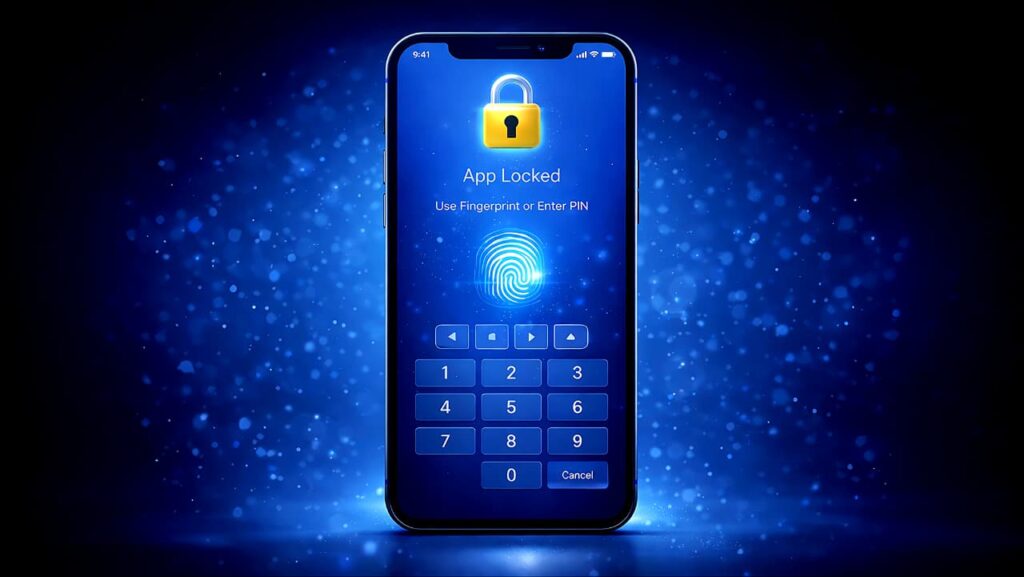
App Lock (Built-in imo Lock Feature)
What it is:
A feature that allows you to lock the imo app using a PIN, fingerprint, or biometric authentication.
How it works:
Once enabled, the app cannot be opened without authentication.
Why it matters:
Even if someone has your phone, they cannot access your chats.
Benefits:
Strong protection against physical access threats.
Possible drawbacks:
You must remember your PIN or ensure biometric setup works properly.
Expert recommendation:
Always enable App Lock if available.
Block and Report
What it is:
A tool to block unwanted users and report abuse or spam.
How it works:
Blocked users cannot send you messages or call you.
Why it matters:
Prevents harassment and scam attempts.
Benefits:
Instant control over who can contact you.
Possible drawbacks:
Past messages remain unless manually deleted.
Expert recommendation:
Immediately block suspicious or unknown contacts.
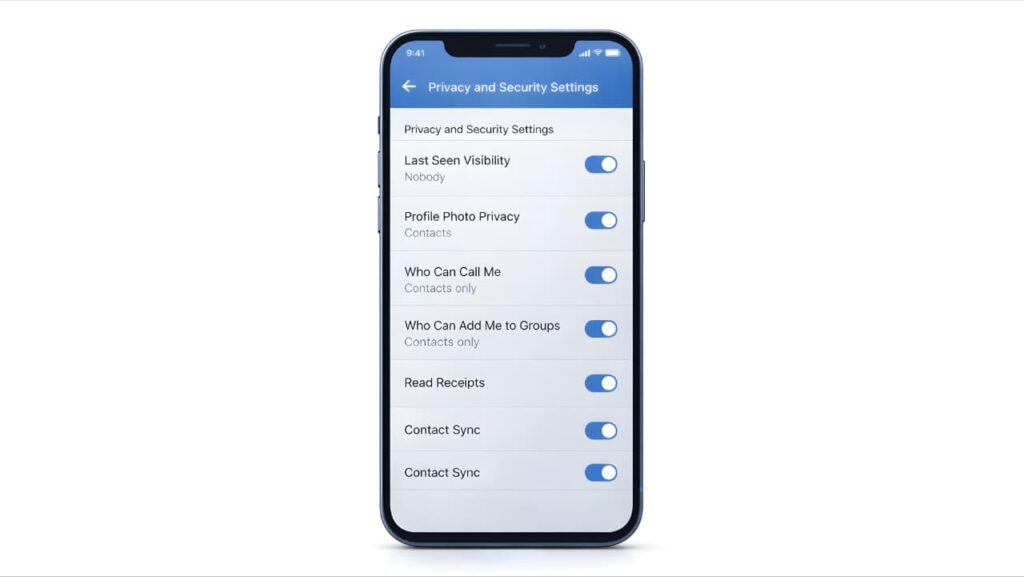
Who Can Call Me
What it is:
Controls who can make voice or video calls to you.
How it works:
You can restrict calls to contacts only.
Why it matters:
Reduces spam and unwanted calls.
Benefits:
Improves call privacy.
Possible drawbacks:
May block legitimate new contacts.
Expert recommendation:
Allow calls from contacts only.
Who Can Add Me to Groups
What it is:
Controls who can add you to group chats.
How it works:
You can restrict group additions to your contacts.
Why it matters:
Prevents random group spam.
Benefits:
Avoids exposure to unknown users.
Possible drawbacks:
Friends outside contacts may need approval.
Expert recommendation:
Restrict group additions to contacts only.
Last Seen Visibility
What it is:
Shows when you were last active on imo.
How it works:
You can control who sees this information.
Why it matters:
Prevents people from tracking your online activity patterns.
Benefits:
Increases personal privacy.
Possible drawbacks:
You may not see others’ last seen if disabled.
Expert recommendation:
Limit to contacts or disable if privacy is your priority.
Profile Photo Privacy
What it is:
Controls who can view your profile picture.
How it works:
You can restrict visibility to contacts only.
Why it matters:
Profile photos can be copied or misused.
Benefits:
Reduces impersonation risks.
Possible drawbacks:
Less discoverable to new connections.
Expert recommendation:
Allow only contacts to see your profile photo.
Read Receipts
What it is:
Indicates when you have read a message.
How it works:
When enabled, the sender sees a read confirmation.
Why it matters:
Reveals your activity timing.
Benefits:
Improves communication clarity.
Possible drawbacks:
Creates social pressure to respond quickly.
Expert recommendation:
Disable if you prefer more privacy.
Contact Sync
What it is:
Syncs your phone contacts with imo to find other users.
How it works:
The app scans your contact list and uploads data for matching.
Why it matters:
Shares your contact network with the app’s system.
Benefits:
Easy friend discovery.
Possible drawbacks:
Increases data exposure.
Expert recommendation:
Enable only if necessary and review permissions regularly.
Notification Privacy
What it is:
Controls whether message previews appear on your lock screen.
How it works:
You can disable message content preview.
Why it matters:
Prevents others from reading messages without unlocking your phone.
Benefits:
Extra layer of privacy.
Possible drawbacks:
Less convenience.
Expert recommendation:
Hide message previews on lock screen.
Data and Auto-Download Controls
What it is:
Controls automatic downloading of images, videos, and files.
How it works:
You can disable auto-download for mobile data or Wi-Fi.
Why it matters:
Prevents unwanted media from being stored automatically.
Benefits:
Saves storage and reduces exposure to harmful content.
Possible drawbacks:
Manual download required.
Expert recommendation:
Disable automatic media downloads.
Privacy Chat / Secret Chat
What it is:
A special chat mode designed for higher privacy.
How it works:
Privacy chat may include additional protections such as screenshot blocking, forwarding restrictions, or enhanced encryption.
Why it matters:
Provides extra control over sensitive conversations.
Benefits:
Better protection for confidential discussions.
Possible drawbacks:
Both participants may need compatible settings.
Expert recommendation:
Use Privacy Chat for important or sensitive communication.
Disappearing Messages (Message Timer)
What it is:
Allows messages to automatically delete after a set time.
How it works:
You select a timer, and messages disappear after the duration.
Why it matters:
Reduces long-term storage of sensitive conversations.
Benefits:
Limits future exposure.
Possible drawbacks:
Recipient can still screenshot before deletion.
Expert recommendation:
Use for temporary or sensitive discussions.
Advanced Chat Delete / Time-Based Delete
What it is:
A feature that allows you to delete chat history in bulk or remove older messages.
How it works:
Users can clear entire chat history or selected time ranges.
Why it matters:
Old conversations can become privacy risks.
Benefits:
Reduces stored data.
Possible drawbacks:
Deleted chats cannot be recovered.
Expert recommendation:
Periodically clear old, unnecessary conversations.
Chat Page Privacy and Security
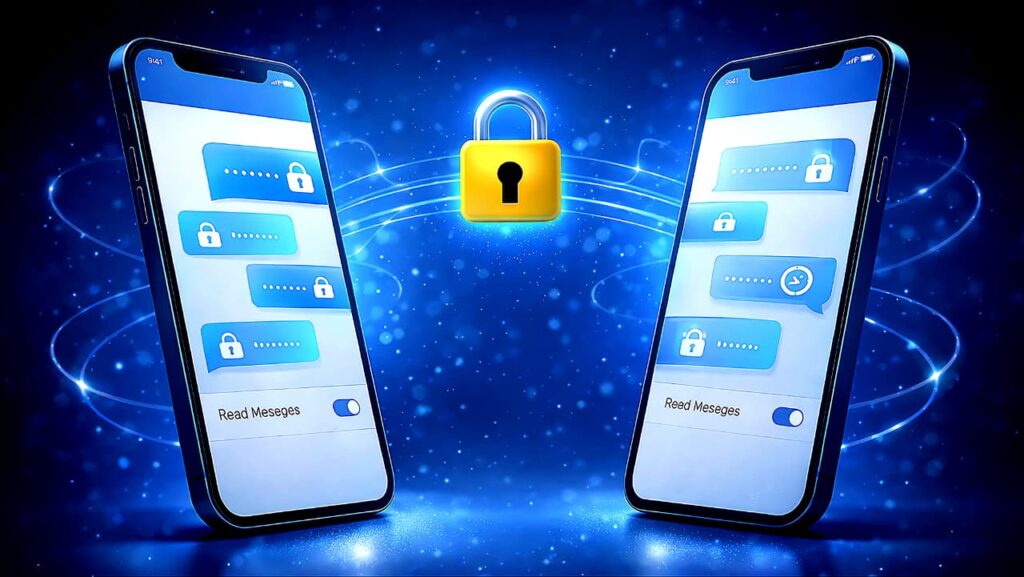
The chat page is where your conversations happen, so this is where privacy matters most.
When you send a message on imo, it travels from your device to imo’s servers and then to the recipient. During transmission, the data is encrypted, which protects it from interception on public networks. However, encryption during transmission is different from full end-to-end encryption, where only sender and receiver can read the content.
In addition to message content, metadata such as timestamps, phone numbers involved, device type, and IP information may be recorded. While this does not reveal what you said, it can reveal communication patterns.
There are also practical risks. The person you are chatting with can take screenshots, record screens, or forward messages. Once a message reaches another device, technical protections cannot fully control how it is used.
Group chats increase exposure because multiple people can access shared content. Always think carefully before sharing personal documents, private images, or confidential information in group conversations.
If your phone is lost or stolen, device-level security becomes critical. Without a strong screen lock or app lock, someone could access your chats directly.
Simple chat safety habits include:
Use strong device authentication
Avoid sharing highly sensitive data
Clear old chats regularly
Be cautious in group chats
Use Privacy Chat for confidential discussions
Chat privacy depends not only on settings but also on user awareness.
Delete Account Option
What it is:
Allows permanent removal of your imo account.
How it works:
You initiate deletion from settings; the account is removed according to platform policies.
Why it matters:
Stops further data processing and account visibility.
Benefits:
Complete exit from the platform.
Possible drawbacks:
Cannot recover deleted account.
Expert recommendation:
Delete your account if you permanently stop using the app.
Advantages of imo
Lightweight and fast
Low data usage
Easy interface
Customizable privacy settings
Works on low-end devices
When configured correctly, imo app privacy and security settings give users better control over their digital communication.
Disadvantages and Risks
Metadata tracking possibilities
Screenshot and forwarding risks
Group exposure risks
Contact sync data sharing
Limited transparency about encryption details
Recommended imo App Privacy and Security Settings Setup
For stronger protection:
Enable OTP and secure your SIM.
Turn on App Lock.
Restrict calls and group additions to contacts only.
Limit profile and last seen visibility.
Disable contact sync if unnecessary.
Hide lock screen message previews.
Disable auto-download.
Use Privacy Chat for sensitive conversations.
Regularly delete old chats.
This configuration significantly improves your imo app privacy and security settings.
Proper configuration of imo app privacy and security settings ensures a safer messaging experience.
Common User Mistakes
Leaving default settings unchanged.
Sharing personal information casually.
Ignoring app permissions.
Accepting unknown group invitations.
Not enabling app lock.
FAQ Section
Is imo app safe to use?
imo is generally safe for everyday communication when users properly configure imo app privacy and security settings. Enabling app lock, restricting profile visibility, and adjusting call and group permissions can significantly improve overall account protection.
Is imo completely secure?
It offers useful privacy controls, but user configuration determines safety.
Does imo use end-to-end encryption?
Messages are encrypted during transmission. Users should verify encryption details within Privacy Chat features.
Can someone hack my imo account?
Only if they gain access to your OTP or SIM.
How do I stop spam calls?
Restrict calls to contacts only.
Can I hide my profile photo?
Yes, through profile privacy settings.
What happens if my phone is stolen?
If App Lock and device lock are enabled, chats remain protected.
Are disappearing messages fully safe?
They reduce storage risk but do not prevent screenshots.
Should I enable contact sync?
Only if you want automatic friend discovery.
How do I permanently delete my account?
Use the delete account option in settings.
For broader protection beyond messaging apps, you can also read our detailed guide on How to Protect Your Personal Data Online: Advanced Privacy & Cybersecurity Guide to strengthen your overall digital security.
Conclusion
imo is a convenient communication tool, but true safety depends on how you configure it. Understanding and properly using imo app privacy and security settings allows you to protect your conversations, profile details, and personal data.
By understanding and configuring imo app privacy and security settings properly, users can communicate with greater confidence and protection.
By enabling essential protections, limiting visibility, managing permissions, and practicing responsible chat habits, you can enjoy the benefits of imo while minimizing privacy risks. Secure usage is not just about technology it is about awareness and smart choices.
Taking time to review imo app privacy and security settings regularly helps maintain long term account safety and better control over personal communication.