
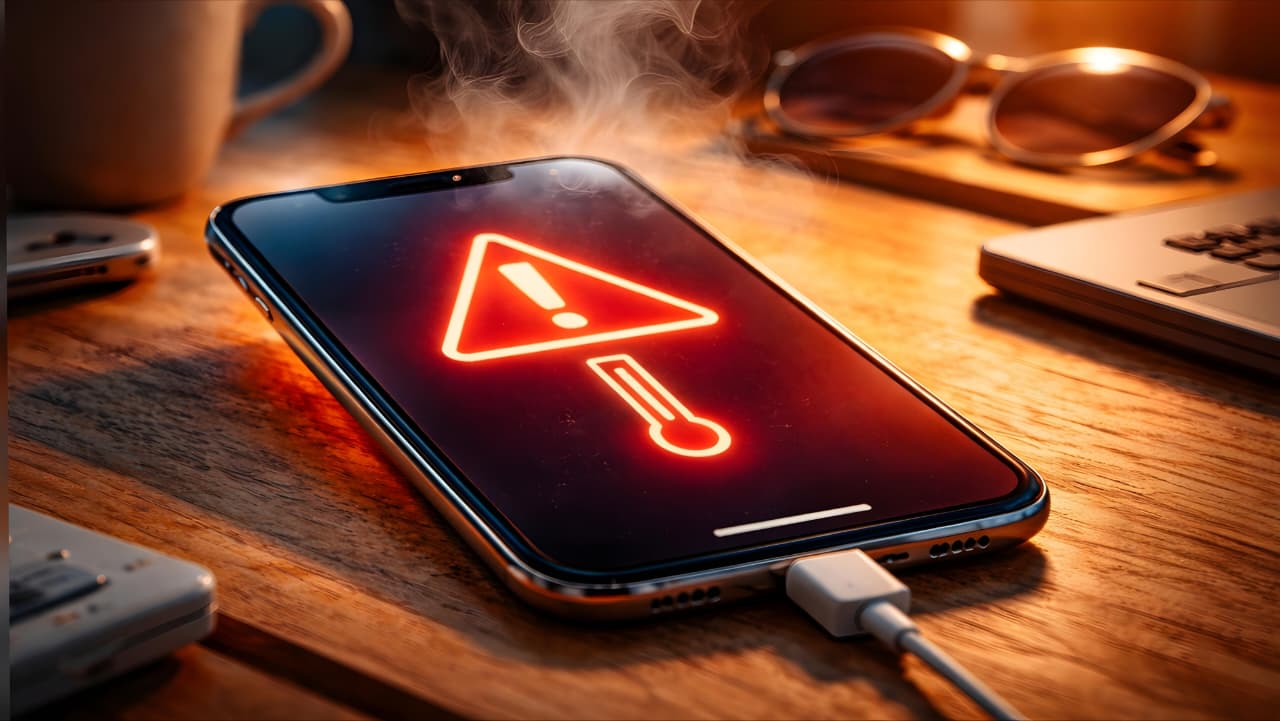
Why Is My Phone Overheating? Causes, Fixes & Long-Term Prevention
Introduction
Smartphones have become an essential part of everyday life across the United States and the United Kingdom. Whether you’re commuting in London, working remotely in New York, or streaming videos at home, your device is constantly in use.
But one issue that continues to frustrate users is phone overheating.
If you’ve ever wondered, “Why is my phone getting hot?” you’re not alone. Overheating affects both iPhone and Android users, and while occasional warmth is normal, excessive heat can reduce performance, damage the battery, and shorten your phone’s lifespan.
In this detailed guide, we’ll cover:
The most common smartphone overheating causes
How to fix an overheating phone immediately
Long-term solutions to prevent phone overheating
Specific advice for iPhone overheating and Android phone overheating
When you should seek professional repair
Let’s start by understanding what’s normal and what’s not.
Is Phone Overheating Normal?
All smartphones generate heat. When you browse social media, use GPS navigation, stream Netflix, or play games, your processor works harder. That activity produces warmth.
Normal operating temperature:
86°F to 104°F (30°C to 40°C)
However, your phone should not:
Feel too hot to hold
Display temperature warning messages
Shut down unexpectedly
Drain battery unusually fast
If you notice these signs, you’re likely facing a phone heating problem that needs attention.
Common Causes of Phone Overheating
Understanding the root cause helps you apply the right phone heating problem solution.
1. Heavy Gaming and Streaming
High-performance apps demand significant CPU and GPU power. Extended gaming sessions, especially with high graphics settings, are one of the biggest causes of smartphone overheating.
This applies equally to:
iPhone overheating during gaming
Android phone overheating while streaming
The more power your processor uses, the more heat it generates.
2. Using Your Phone While Charging
One of the most common reasons people ask, “Why is my phone getting hot while charging?” is simultaneous usage.
Charging already produces internal battery heat. If you’re gaming, video calling, or watching YouTube at the same time, you double the workload.
This is a major trigger for phone overheating.
3. Fast Charging
Fast charging is convenient but increases electrical current flow. Higher current produces more heat.
Using non-certified chargers in the US or UK can worsen overheating issues and even damage the battery.
Always use original or certified accessories.
4. Too Many Background Apps
Apps constantly refresh data, update notifications, track location, and sync information. Even when your phone appears idle, background processes may be active.
This hidden workload contributes to smartphone overheating.
5. Poor Network Signal
In rural UK areas or underground US subway systems, weak signal forces your phone to search continuously for a stable connection.
This increases battery drain and internal heat generation.
6. Software Bugs or Outdated Updates
Sometimes the issue isn’t hardware. A recent update may contain performance bugs that cause high CPU usage.
Both iPhone overheating and Android phone overheating can occur due to software glitches.
Keeping your system updated is crucial.
7. Battery Aging or Damage
Lithium-ion batteries degrade over time. As they age:
Internal resistance increases
Efficiency drops
More energy converts into heat
If your device is over two years old, battery wear could be causing repeated phone overheating.
If your battery drains unusually fast along with overheating, you may want to read our detailed guide on common causes of mobile battery drain and how to fix them.
8. Environmental Factors (US & UK Weather)
While the UK is generally cooler, summer heatwaves can raise ambient temperatures significantly. In the US, states like Texas, Arizona, and California experience extreme heat.
Leaving your phone:
In a parked car
On a beach
Under direct sunlight
Can quickly cause smartphone overheating.
Immediate Steps to Fix an Overheating Phone
If your device is already hot, follow these steps immediately.
1. Stop Using the Phone
Lock your screen and let it rest for several minutes.
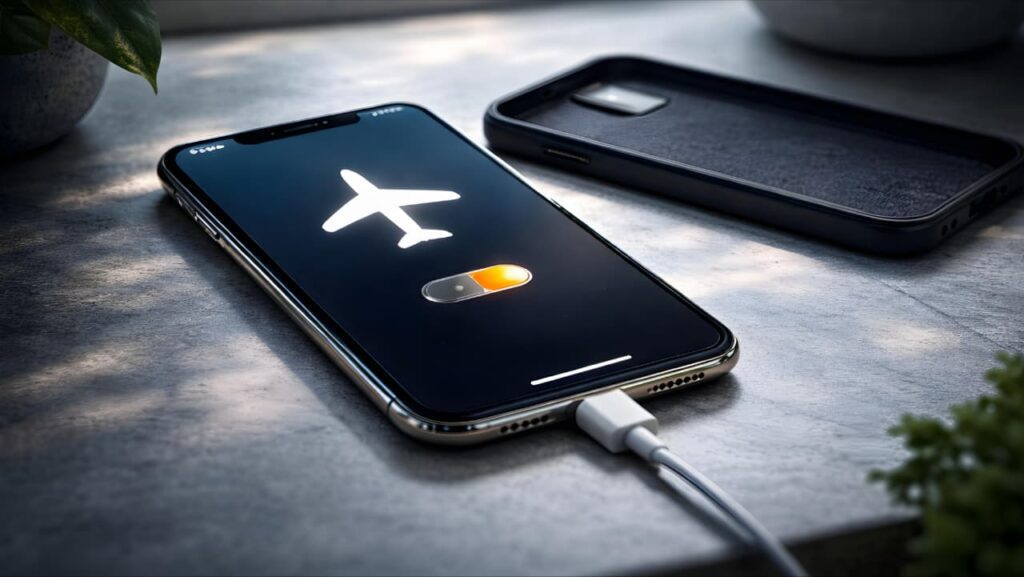
2. Remove the Phone Case
Protective cases trap heat. Removing it improves airflow.
3. Turn On Airplane Mode
This disables network activity and reduces processor load.
4. Close Background Apps
Clear all recent apps to reduce active processes.
5. Unplug the Charger
If charging, disconnect immediately.
6. Restart the Device
A reboot stops background glitches and resets system functions.
7. Move to a Cooler Location
Place your phone in shade or an air-conditioned room.
Avoid refrigerators or freezers sudden temperature shifts can cause internal condensation damage.
Long-Term Solutions to Prevent Phone Overheating
Prevention is always better than repair.
Lower Graphics Settings
Reduce graphics quality in games to ease processor load.
Avoid Using Phone While Charging
Let your device charge undisturbed whenever possible.
Keep Storage Below 80%
When storage is nearly full, system performance drops and heat increases.
Update Software Regularly
System updates often fix performance-related heating issues.
Use Power Saving Mode
This limits background processes and processor speed.
Replace an Aging Battery
If battery health falls below 80%, consider replacement from an authorized service provider in the US or UK.
iPhone Overheating - Special Considerations
iPhones are optimized for performance, but overheating can occur due to:
Intensive gaming
Background app refresh
Faulty iOS updates
Battery degradation
If your iPhone displays a temperature warning screen, stop using it immediately and allow it to cool naturally.
If your iPhone displays a temperature warning screen, Apple explains the safe operating temperature range and recommended actions on their official support page.
official support page: https://support.apple.com/en-us/HT201678
Android Phone Overheating - What to Check
Android devices vary by manufacturer, but common causes include:
High refresh rate displays
Unoptimized apps
Custom launchers
Excessive widgets
Check battery usage in settings to identify problematic apps.
Google’s Android Help Center also provides official guidance on how to reduce overheating and manage battery usage effectively.
Android Help Center: https://support.google.com/android/answer/3333708
What Happens If You Ignore Phone Overheating?
Persistent phone overheating can lead to:
Reduced battery lifespan
Slower performance
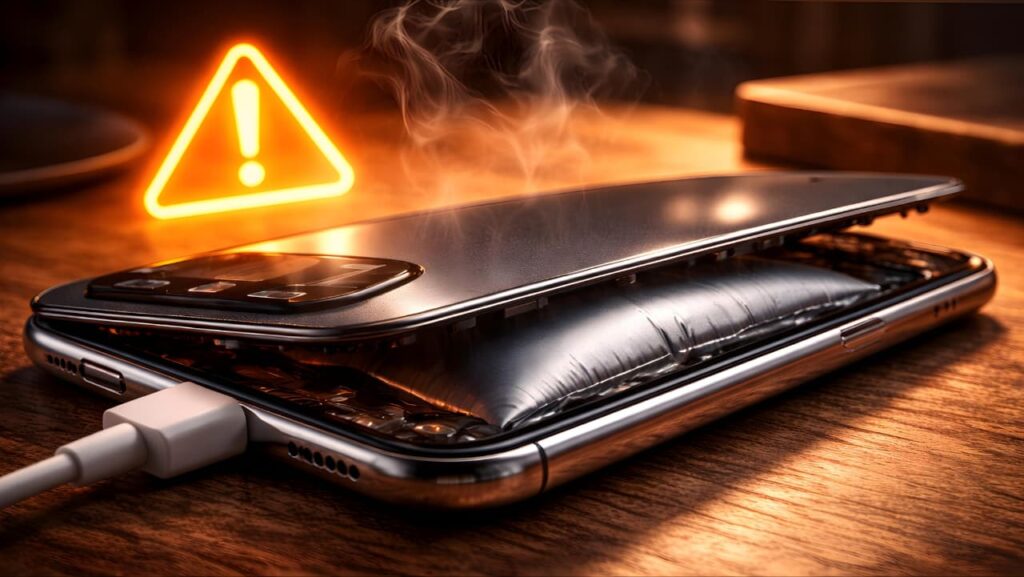
Swollen battery risks
Hardware damage
Automatic shutdowns
Long-term overheating may permanently damage internal components.
When to Seek Professional Help
Visit a certified repair center in the US or UK if:
Your phone shuts down repeatedly due to heat
Battery appears swollen
You notice a burning smell
Overheating continues after factory reset
These symptoms may indicate hardware failure.
Final Thoughts
Phone overheating is common but manageable. Most heating issues are caused by usage habits rather than serious defects.
By:
Avoiding heavy usage while charging
Managing background apps
Updating software
Using certified accessories
Protecting your device from extreme temperatures
You can significantly reduce smartphone overheating and extend your phone’s lifespan.
Taking proactive steps today ensures better performance, longer battery life, and fewer repair costs in the future.