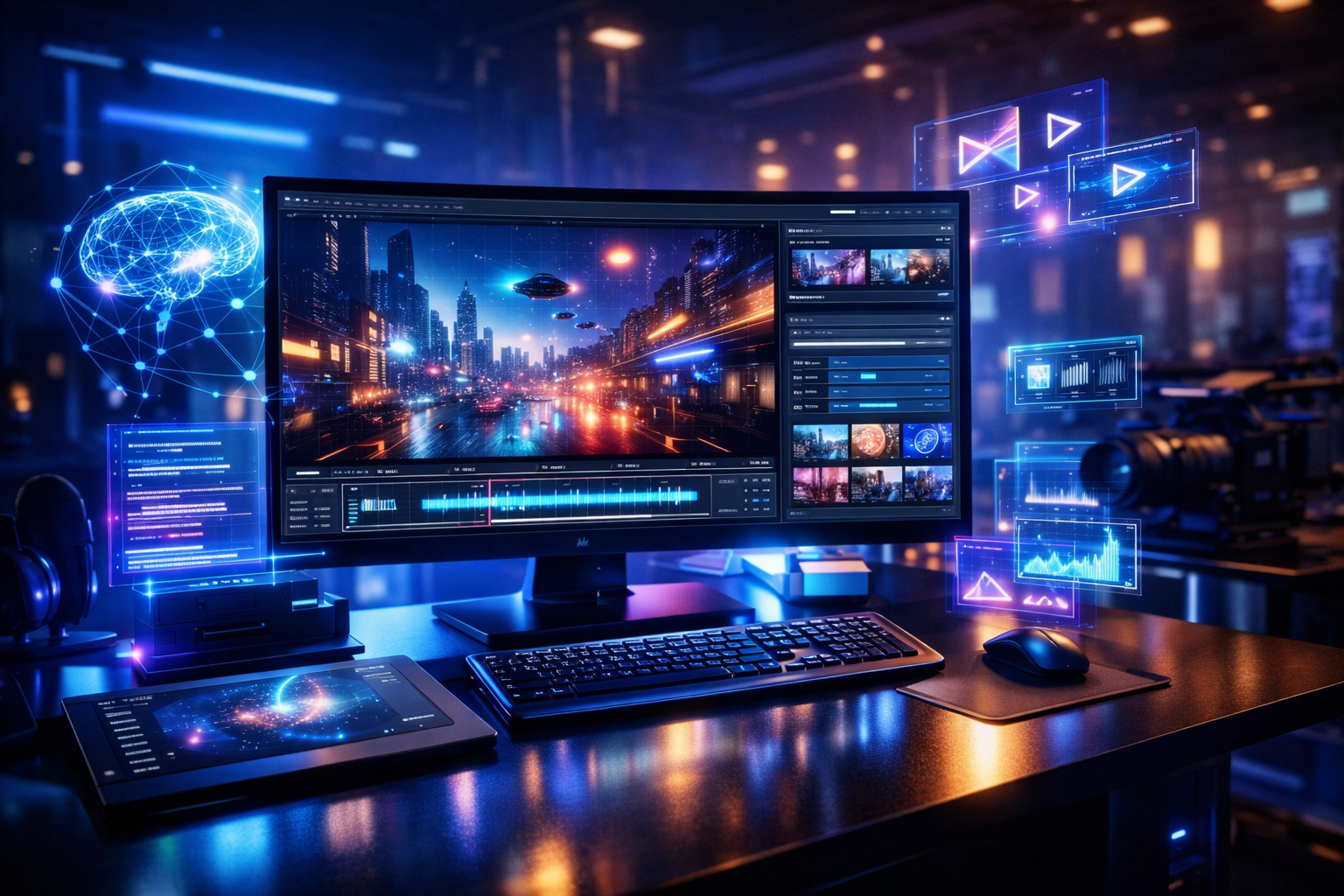
In the past few years, artificial intelligence has revolutionized the process of creating digital content. AI tools are now helping creators to work smarter, not longer, generating images to writing things. One of the coolest things computer vision has come up with for this space is AI video generation, and PixVerse AI is turning out to be quite a powerful option for creators, marketers and businesses who are interested in generating high-quality videos without needing the expertise to edit them.
PixVerse is not some ordinary AI application. It is a creative platform that is intended to take simple ideas, text prompts, and images and transform them into visually impressive videos. Whether you are a YouTuber, social media maker, digital marketer, or entrepreneur, PixVerse offers you various tools to help bring your ideas to life with minimum efforts.
In this article, we will discuss what is PixVerse AI, its main features, tools available, how to use them step by step and the types of videos that you can create using PixVerse.
AI video generation is becoming one of the fastest-growing areas in artificial intelligence. If you’re interested in exploring more AI platforms, check out our guide to Top Free AI Tools in 2026.
What is PixVerse AI Video Generator
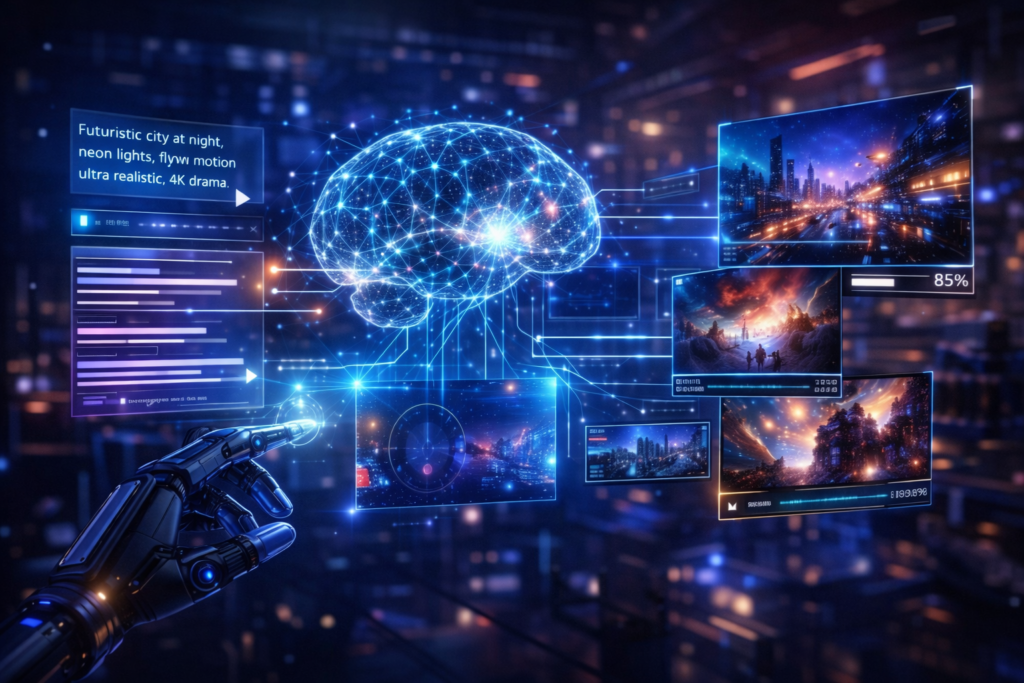
PixVerse AI is another intelligent AI-powered video generation tool that lets users create videos based on text prompts, images and creative instructions. The platform uses deep learning models to comprehend motion, cinematic effects, as well as visual consistency to create videos that appear professional and interesting.
Unlike other traditional video editing programs that ask clients to use timelines, layers, and technical skills, PixVerse priority is simplicity. The AI powers the “heavy lifting” when you specify what it is that you want.
To better understand how AI-powered creative tools are evolving, you can also read our detailed guide on Google Labs and Experimental AI Tools.
PixVerse App & Official Links
PixVerse Official Website:
https://pixverse.ai
PixVerse is an official web-based application that can access and use various tools online.
https://play.google.com/store/apps/details?id=com.pixverseai.pixverse
Key Features of PixVerse AI
1. Text-to-Video Generation
PixVerse enables its users to write a detailed text prompt and transform it into a short cinematic video. The AI is able to interpret scene description, motion, lighting, and mood.
Effective prompts play a major role in generating high-quality videos. You can improve your prompting skills with our collection of AI Image Character Prompts.
2. Image-to-Video Animation
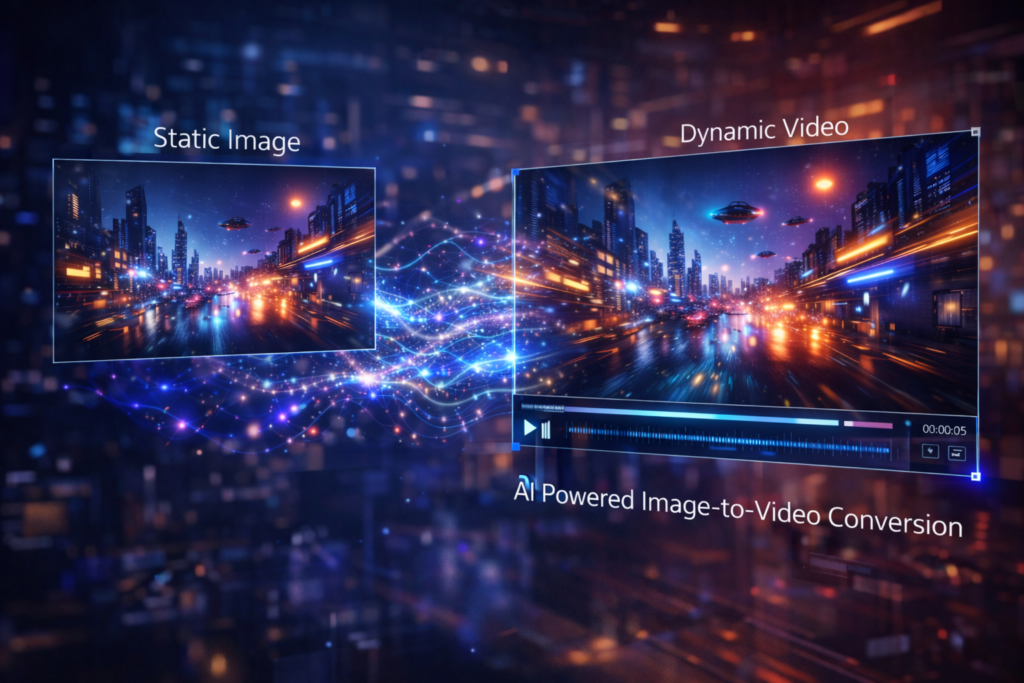
Upload a static image and transform it into a dynamic video with realistic movements, camera movements and effects.
Many modern AI tools combine images, text, and video generation capabilities. Learn more in our Multimodal AI Explained guide.
3. Cinematic Camera Movements
PixVerse supports cinematic features such as zoom-in, pan, slow motion, depth-of-field and dramatic lighting.
4. AI Style Customization
You can select and define various video styles depending on your preferences and needs for creativity.
- Realistic
- Anime
- Cyberpunk
- Fantasy
- Sci-Fi
- Cartoon
5. User-Friendly Interface
Users do not require any prior experience editing to work with the tools offered on this platform. Everything functions by use of prompts and easy controls.
PixVerse AI Tools Explained
PixVerse currently holds a number of AI-based creation tools:
Text to Video Tool
This tool converts written descriptions to animated scenes. The ideal way to tell stories – adverts, creative visuals.
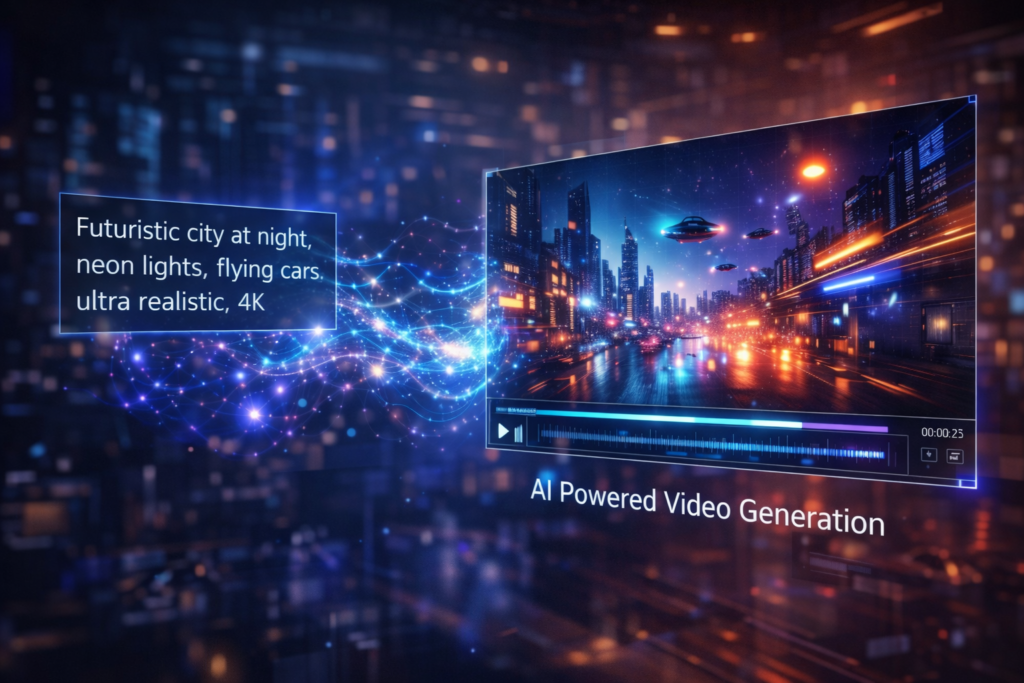
Image to Video Tool
Perfect for taking photographers, designers and marketers who want the effects of movement from still images
Character Motion Tool
Animate the characters with fluid and natural movements, realistic facial expressions and visually rich cinematic feel.
Scene Enhancement Tool
Helps in enhancing the lighting, background depth and the overall realistic appearance of videos.
PixVerse AI Video Generator is especially useful for beginners who want to create professional-looking videos without technical skills.
A basic walkthrough on how videos could be made step by step with the PixVerse AI.
Step 1: To do this, begin with opening the pixverse website with any web browser of your device.
Go to:
https://pixverse.ai/create
A user can sign in or create a new account by using either their email address or one of the supported social accounts.
Step 2: Next, select either one of the creation tools that match what you want to be created.
Select one of the following:
- Text to Video
- Image to Video
Choose according to your requirement of content.
Step 3: Write a Detailed Prompt
Example prompt:
A cinematic shot of a futuristic city at night, neon lights glow, there are flying cars that have a slow motion, the quality of ultra-reality, 4K, 4K drama.
When prompts are more detailed and clear it usually goes much better.
Step 4: Now you can change the video settings according to your likeness.
Adjust:
- Video style
- Motion speed
- Camera angle
- Visual mood
Step 5: Generate the Video
Once everything is ready, click the generate option and wait for PixVerse AI for some time to process your request.
Step 6: Preview and Download
Once the video is ready go on to preview it.
If you are satisfied, then download the high resolution version of the video.
If you want to explore more useful platforms like PixVerse, you can also read our detailed guide on free AI tools for students.
Different types of videos you can create with PixVerse AI.
Content creators looking for more AI-powered resources can also explore our list of Free AI Tools for YouTubers.
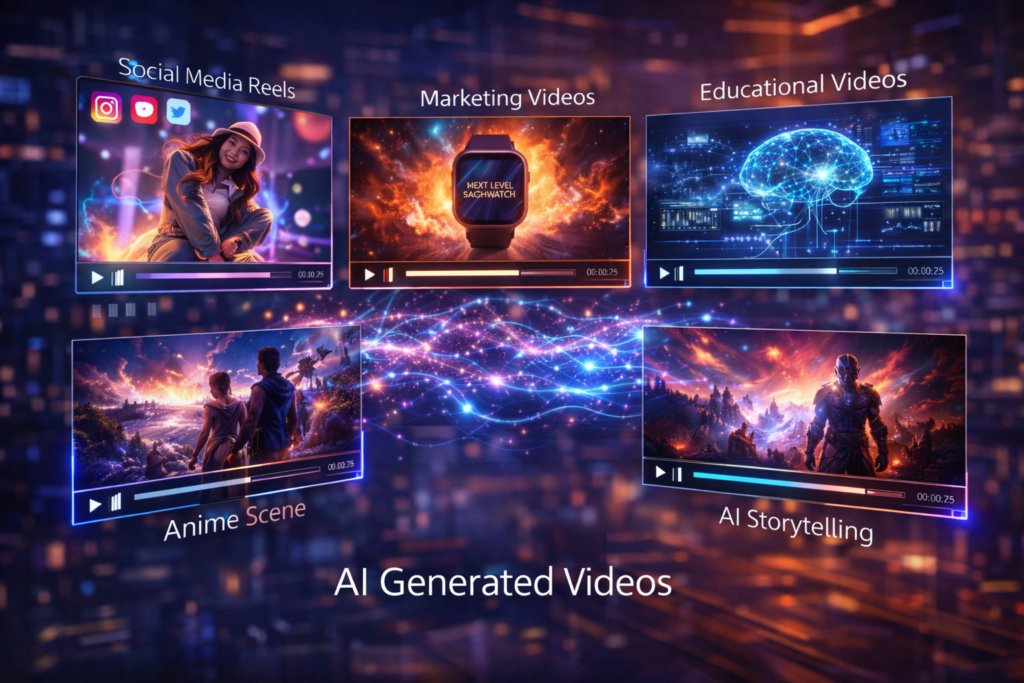
1. Social Media Videos
Make sexy reels and shorts for:
- YouTube Shorts
- TikTok
2. Marketing & Ad Videos
Perfect for:
- Product promotions
- Brand storytelling
- Startup pitch videos
3. YouTube Background & B-Roll
Generate:
- Cinematic backgrounds
- Concept visuals
- Video clips storytelling created with the help of Artificial Intelligence.
4. Educational videos which explain concepts in a simple and clear way.
Use AI visuals to explain:
- Concepts
- Processes
- Technology topics
5. Anime & Fantasy Videos
Create:
- Anime-style scenes
- Fantasy landscapes
- AI characters
6. AI Storytelling Videos
Turn scripts and ideas into:
- Short films
- Visual stories
- Cinematic narratives
Why PixVerse AI is Different for Other AI Video Tools
- High-quality cinematographic output
- Natural motion real seeming lighting
- Easy learning curve
- Suitable for people who are just beginning and experienced.
- Fast video generation speed
PixVerse focuses more on visual storytelling quality, as opposed to just automating.
Best Practices Easy to use PixVerse ai
- It’s better, most of the time, to take some time and write prompts that are highly detailed enough.
- It’s a good idea to stay away from having characters which are protected by copyright.
- Use original ideas
- Blending the use of AI-generated visuals and the creativity of humans tends to pay off in many cases.
- Add your own voice overs or edits if required.
Overall, PixVerse AI Video Generator is a reliable choice for anyone exploring AI-based video creation tools.
Many creators prefer PixVerse AI Video Generator because it simplifies the video creation process while delivering visually impressive results.
This guide provides a clear understanding of PixVerse AI Video Generator and how it can be used effectively in real-world situations.
The future of AI content creation may involve autonomous creative systems capable of planning and producing content independently. Learn more in our What Is Agentic AI? guide.
Final Thoughts
PixVerse AI is a powerful and creative tool that makes the process of creating videos easier for everyone. PixVerse is good for beginners who are discovering AI creativity as well as for professional who need to save time without losing quality.
With a little imagination and appropriately written prompts,PixVerse makes it easy to create impressive videos for social media, marketing, storytelling and for educational use without requiring expensive tools and technical know-how.
If you are serious about your video creation using AI, PixVerse AI is definitely worth checking out.
If you’re just getting started, learning aboutPixVerse AI Video Generator today can help you stay ahead of future developments in artificial intelligence.
As technology continues to evolve, PixVerse AI Video Generator is expected to become increasingly important for creators, businesses, and everyday users.
Frequently Asked Questions (FAQ)
What is PixVerse AI?
PixVerse AI is an AI-powered video generation platform that allows users to create videos from text prompts and images without advanced editing skills.
Is PixVerse AI free to use?
PixVerse offers free and premium plans. Available features and usage limits may vary depending on the subscription plan.
Can PixVerse create videos from images?
Yes. PixVerse includes an image-to-video feature that can animate static images with motion effects and cinematic camera movements.
Is PixVerse AI suitable for beginners?
Yes. PixVerse is designed with a user-friendly interface that makes AI video creation accessible to beginners.
What types of videos can be created with PixVerse?
Users can create social media videos, marketing content, educational videos, cinematic storytelling clips, anime-style videos, and promotional content.
Does PixVerse AI require video editing experience?
No. Most features are prompt-based and designed for users with little or no video editing experience.