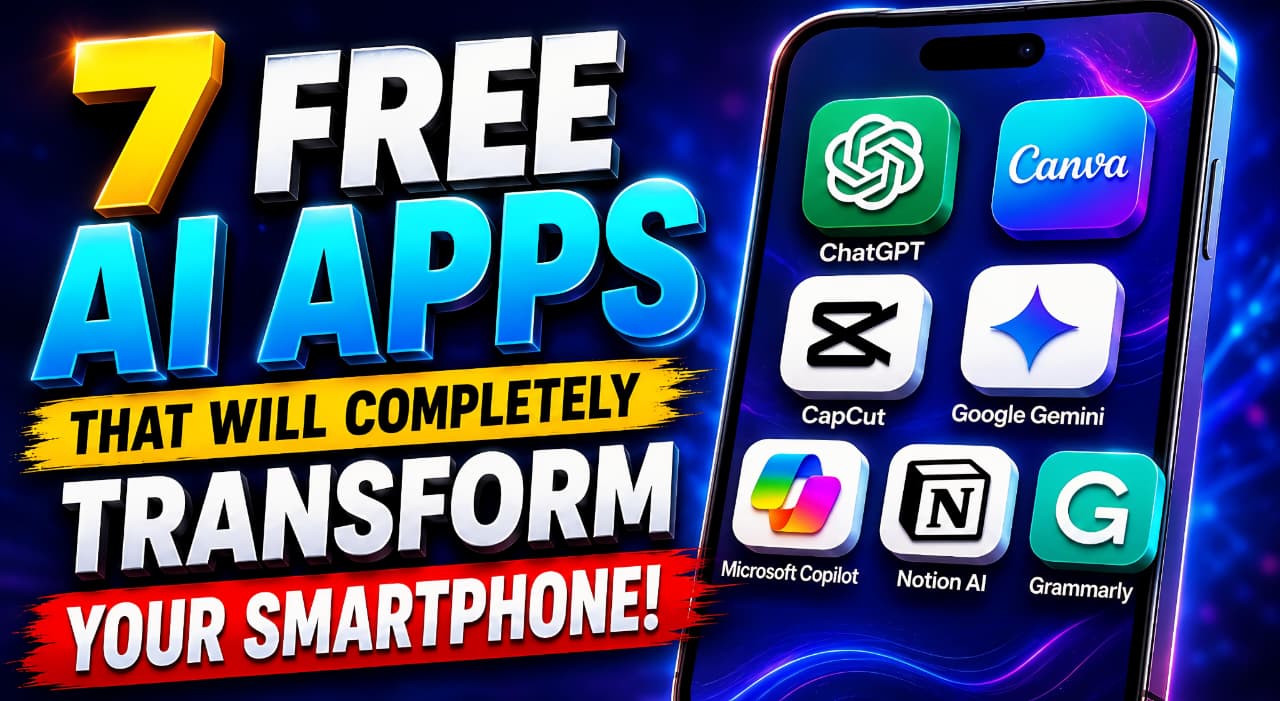
Smartphones have become an essential part of our daily lives. From communication and entertainment to productivity and content creation, almost everything now happens on mobile devices. But with the rise of Artificial Intelligence, smartphones are becoming far more powerful than ever before.
Today, AI apps can help you write content, edit videos, create graphics, organize work, improve productivity, and even act as personal assistants. The best part is that many of these AI apps are completely free to use.
Whether you are a student, creator, freelancer, entrepreneur, office worker, or casual smartphone user, installing the right AI tools can completely change the way you use your phone.
In this article, we will explore the 7 best free AI apps for smartphones that can help you save time, work smarter, and improve your daily digital experience.
AI technology is no longer limited to computers or large companies. It is now available directly inside your smartphone through powerful AI apps that are designed to simplify everyday tasks.
These apps can help you:
- Write faster
- Create better content
- Edit videos professionally
- Design social media posts
- Manage work efficiently
- Improve communication
- Learn new skills
Let’s take a detailed look at the best free AI apps you should start using today.
ChatGPT – The Best Free AI App for Everyday Productivity
ChatGPT
ChatGPT is one of the most popular AI apps available today. It works like a smart assistant that can answer questions, generate ideas, write content, and help with daily tasks.
Unlike traditional search engines that only provide website links, ChatGPT gives direct and conversational responses. This makes it extremely useful for both personal and professional use.
Key Features of ChatGPT
- AI writing assistance
- Content creation
- Homework and study help
- Coding support
- Translation assistance
- Email drafting
- Brainstorming ideas
- Business planning support
Why ChatGPT Is Useful
Many users rely on ChatGPT to save time during work, study, and content creation. Instead of spending hours searching for information, users can simply ask questions and receive instant answers.
Best For
- Students
- Bloggers
- Writers
- Freelancers
- Digital marketers
- Professionals
How ChatGPT Improves Smartphone Usage
With ChatGPT installed on your smartphone, you essentially carry a personal AI assistant in your pocket that can help anytime and anywhere.
ChatGPT gives direct and conversational responses.
Canva – The Best Free AI Design App for Mobile Users
Canva
Canva has transformed the way people create graphics and visual content. Even users with no design experience can create professional-looking visuals directly from their smartphones.
The app includes several AI-powered tools that simplify the design process and reduce editing time.
AI Features Available in Canva
- AI image generation
- Magic Design
- Background remover
- AI presentation creator
- Social media templates
- Text-to-image generation
Why Canva Is Popular
Canva allows users to create attractive content quickly without learning complicated design software.
What You Can Create Using Canva
- YouTube thumbnails
- Instagram posts
- Posters
- Resumes
- Presentations
- Business flyers
- Invitations
- Logos
Best For
- Content creators
- Social media managers
- Students
- Small businesses
- Freelancers
How Canva Changes Smartphone Creativity
Instead of depending on desktop software, Canva allows users to create professional graphics directly from mobile devices.
Creators looking for more AI-powered content tools can also explore Free AI Tools for YouTubers.
CapCut – The Best Free AI Video Editing App
CapCut
Video content is growing rapidly across social media platforms, and CapCut has become one of the most widely used AI video editing apps.
CapCut simplifies video editing by offering smart AI features that automate many complex editing tasks.
Top AI Features in CapCut
- Auto captions
- AI voice generation
- Automatic editing
- AI effects
- Background removal
- Smart transitions
- Video enhancement tools
Why CapCut Is a Game Changer
Even beginners can create high-quality short videos using templates and AI-powered editing tools.
Best For
- YouTube Shorts creators
- Instagram Reel creators
- TikTok users
- Video editors
- Influencers
How CapCut Improves Smartphone Video Editing
CapCut turns a normal smartphone into a powerful mobile video editing studio.
Google Gemini – The Best Free AI Assistant App for Android Users
Google Gemini
Google Gemini is a powerful AI assistant developed by Google. It integrates deeply with Android smartphones and Google services.
The app is designed to improve productivity and provide smart AI-powered assistance throughout the day.
Features of Google Gemini
- AI-powered search
- Smart voice assistance
- Real-time answers
- Google Workspace integration
- Image understanding
- AI summaries
Why Gemini Is Useful
Gemini can help users manage tasks faster by connecting with Gmail, Google Docs, YouTube, Maps, and other Google services.
Best For
- Android users
- Professionals
- Students
- Productivity-focused users
How Gemini Enhances Smartphone Experience
Gemini makes smartphones smarter by improving search, communication, and daily productivity.
To understand how advanced AI systems work, explore Multimodal AI Explained.
Microsoft Copilot – The Best Free AI App for Work and Office Tasks
Microsoft Copilot
Microsoft Copilot is designed for users who want to improve productivity and manage office-related tasks efficiently.
It combines AI writing, document assistance, and productivity tools in one application.
Main Features of Microsoft Copilot
- AI writing support
- Excel assistance
- PowerPoint suggestions
- AI image generation
- Document summarization
- Productivity support
Why Professionals Use Microsoft Copilot
It helps reduce manual work and improves efficiency in daily office tasks.
Best For
- Office workers
- Students
- Business professionals
- Corporate teams
How Copilot Improves Productivity
Users can complete presentations, reports, spreadsheets, and writing tasks much faster directly from smartphones.
Notion AI – The Best Free AI App for Organizing Work and Notes
Notion
Notion AI combines productivity, note-taking, task management, and AI assistance into one clean interface.
It is widely used by students, creators, startups, and remote teams.
Features of Notion AI
- AI note summaries
- Task management
- Meeting note generation
- Writing assistance
- Workflow organization
- Project planning
Why Notion AI Is Helpful
It keeps all important information organized in one place while reducing manual work.
Best For
- Teams
- Students
- Writers
- Remote workers
- Business owners
How Notion AI Improves Smartphone Productivity
It helps users manage work, ideas, and projects more efficiently from anywhere.
Grammarly – The Best Free AI Writing Assistant App
Grammarly
Grammarly is one of the most trusted AI writing tools for improving grammar, spelling, sentence clarity, and writing quality.
It works across emails, documents, social media apps, and browsers.
Grammarly AI Features
- Grammar correction
- Spelling checks
- Tone suggestions
- AI rewriting
- Clarity improvement
- Professional writing recommendations
Why Grammarly Is Important
Good communication is essential in both personal and professional life. Grammarly helps users write clearly and confidently.
Best For
- Writers
- Bloggers
- Students
- Professionals
- Business communication
How Grammarly Improves Smartphone Writing
It ensures users write mistake-free messages, emails, and content directly from their phones.
Benefits of Using Free AI Apps on Smartphones
AI apps are becoming essential because they simplify many daily tasks and improve efficiency.
Major Benefits of AI Apps
- Save time
- Improve productivity
- Enhance creativity
- Automate repetitive tasks
- Improve communication
- Help users learn faster
- Create professional-quality content
These apps allow users to perform advanced tasks without expensive software or technical skills.
How AI Apps Are Changing Everyday Smartphone Usage
Modern smartphones are no longer just communication devices. AI apps are turning them into:
- Personal assistants
- Mobile editing studios
- Smart learning tools
- Productivity centers
- Business management tools
As AI technology continues to improve, smartphone users will have access to even smarter features in the future.
7 Powerful Insights About Multimodal AI: How It Is Transforming the Future of Artificial Intelligence
Final Thoughts on the Best Free AI Apps for Smartphones
AI apps are revolutionizing the mobile experience by making smartphones smarter, faster, and more productive.
Whether you want to create content, edit videos, improve writing, organize work, or simply save time, these free AI apps can significantly improve your daily life.
The best part is that most of these tools are beginner-friendly and accessible directly from your smartphone.
If you have not started using AI apps yet, this is the perfect time to explore how they can transform the way you use your mobile device.
Readers interested in the future of autonomous AI can also learn What Is Agentic AI.
FAQ – Best Free AI Apps for Smartphones
What is the best free AI app for smartphones?
ChatGPT is considered one of the best all-purpose AI apps for smartphones.
Which AI app is best for content creators?
Canva and CapCut are excellent for content creation.
Are free AI apps safe to use?
Most AI apps from trusted companies are generally safe when downloaded from official app stores.
Which AI app is best for productivity?
Notion and Microsoft Copilot are excellent productivity tools.
Can AI apps improve smartphone performance?
AI apps can improve productivity and efficiency, helping users complete tasks faster and more effectively.
Which free AI app is best for students?
ChatGPT, Notion AI, and Grammarly are excellent options for students who want help with learning, writing, and productivity.
Can AI apps work offline on smartphones?
Most AI apps require an internet connection, although some features may work offline depending on the application.
Do free AI apps contain advertisements?
Some free AI apps include ads or offer premium plans, but many provide useful free features for everyday users.