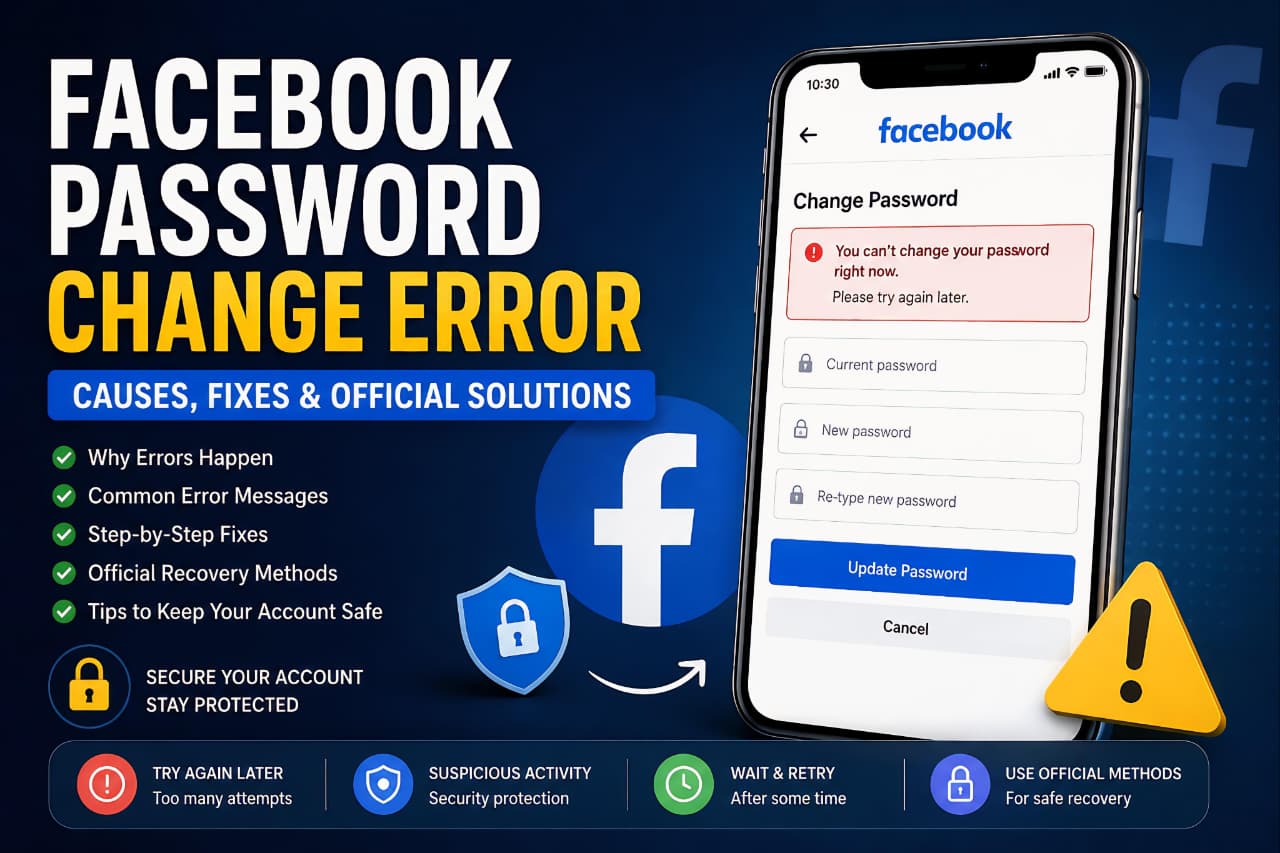
Changing your Facebook password should normally take only a few minutes. However, many users suddenly see errors such as:
- “Try again later”
- “You can’t change your password right now”
- “Too many attempts”
- “Please wait a few hours before trying again”
These messages can be frustrating, especially when you urgently need access to your account. In most cases, this problem is not caused by a bug. According to Facebook’s official Help Center, these errors usually appear because Facebook temporarily limits password reset or password change attempts to protect user accounts from suspicious activity.
In this guide, you will learn:
- Why Facebook password change errors happen
- The most common error messages and their meanings
- Official solutions recommended by Facebook
- How to recover your account safely
- Ways to avoid this problem in the future
This article is based only on information publicly shared through Facebook’s official help and recovery pages.
Many users search for solutions to the Facebook Password Change Error when Facebook temporarily blocks password updates due to security reasons.
Why Facebook Shows Password Change Errors
Facebook uses automated security systems to detect unusual account activity. If the system believes that your account may be at risk, it can temporarily block password changes or password reset attempts.
According to Facebook’s official support pages, the most common reasons include:
- Too many password reset attempts in a short time
- Logging in from an unfamiliar device or location
- Repeated failed login attempts
- Suspicious or automated behavior detected
- Using VPNs or proxy services
- Rapid switching between devices and browsers
- Account protection measures triggered automatically
These restrictions are temporary and are designed to keep accounts secure from hackers or unauthorized access attempts.
How Facebook Security Systems Protect User Accounts
Facebook uses automated security systems to detect unusual account activity and prevent unauthorized access. These protections may temporarily block password changes, login attempts, or recovery requests when suspicious behavior is detected. While these restrictions can be frustrating, they are designed to keep user accounts safe from hacking attempts and identity theft.
Common Facebook Password Change Errors and Their Fixes
1. “Try Again Later” Error
What This Error Means
This message usually appears when Facebook detects too many actions in a short period. It is one of the most common security-related restrictions.
Possible Reasons
- Multiple password reset requests
- Repeated login attempts
- Using different devices continuously
- Fast repeated actions that look suspicious
Official Fix
- Stop trying repeatedly
- Wait at least a few hours
- In some cases, wait up to 24 hours
- Use the same browser and device previously used for Facebook
Additional Tips
- Clear browser cache
- Restart the Facebook app
- Disable VPN services
- Avoid public Wi-Fi networks temporarily
2. “You Can’t Change Your Password Right Now”
What This Error Means
Facebook temporarily blocks password changes when suspicious activity is detected.
Possible Reasons
- Facebook believes the account may be compromised
- Login from a new country or unusual IP address
- Too many security actions performed quickly
Official Solution
- Wait before attempting again
- Verify your identity if Facebook asks
- Use Facebook’s official recovery process
Recovery Link
3. “Too Many Attempts. Try Again Later”
What This Error Means
This happens when users repeatedly enter incorrect passwords or repeatedly request verification codes.
Common Causes
- Incorrect password entered multiple times
- Spam-like activity detected
- Excessive password reset requests
How to Fix It
- Stop all login attempts temporarily
- Wait several hours
- Reset the password only once after waiting
- Use a trusted device
Important Note
Continuing to retry may reset the waiting timer and extend the restriction period.
4. Facebook Verification Code Not Received
What This Error Means
Facebook sends a security code to your email or phone number during password recovery. Sometimes users never receive it.
Possible Reasons
- Weak mobile signal
- Wrong email address or phone number
- Carrier delay
- Spam folder filtering
Solutions
- Check the spam or junk folder
- Confirm your phone number is correct
- Wait a few minutes before requesting another code
- Try email recovery instead of SMS
Official Help Page
5. “Session Expired” Error
What This Means
Facebook automatically logs users out when security systems detect suspicious activity or inactive sessions.
Common Causes
- Login from multiple devices
- Expired login session
- Browser cookie issues
- Security protection triggered
Solutions
- Log in again manually
- Clear browser cookies
- Update the Facebook app
- Restart your device
6. Suspicious Activity Detected
Why This Happens
Facebook actively monitors accounts for unusual behavior.
Examples of Suspicious Activity
- Sudden location changes
- Using VPN services
- Logging in from unknown devices
- Automated or rapid actions
How to Fix It
- Verify your identity
- Use trusted devices only
- Turn off VPNs
- Enable Two-Factor Authentication
Official Facebook Recommendations
According to Facebook’s official Help Center, users should:
- Avoid repeated password reset attempts
- Wait before trying again
- Use familiar devices and browsers
- Avoid suspicious tools or VPN services
- Secure the email linked to Facebook
- Enable extra security protections
Official Help Center:
Facebook Help Center
Users should also learn How to Protect Your Personal Data Online to strengthen overall account security.
How Long Does the Restriction Last?
The Facebook Password Change Error usually disappears automatically once Facebook’s temporary security restriction is removed.
The restriction period depends on the type of activity detected.
Typical waiting periods include:
- A few minutes
- Several hours
- Up to 24 hours
- Rarely longer for severe suspicious activity
Trying again too frequently may increase the waiting period.
Best Ways to Prevent Facebook Password Errors
Use a Strong Password
Create a password using:
- Uppercase letters
- Lowercase letters
- Numbers
- Special characters
Avoid:
- Birthdays
- Simple names
- Reused passwords
Enable Two-Factor Authentication
Two-Factor Authentication adds another layer of security to your account.
Benefits include:
- Better account protection
- Faster identity verification
- Reduced hacking risk
Official Setup Page:
Facebook Two-Factor Authentication Guide
Avoid VPN and Proxy Services
VPNs can trigger Facebook’s security systems because your login location changes frequently.
If possible:
- Use your regular internet connection
- Avoid switching locations rapidly
Use Trusted Devices
Facebook remembers devices that you frequently use.
For safer access:
- Use your personal phone or laptop
- Avoid unknown public computers
- Keep your browser updated
Securing your email account is just as important as Protect Your Google Account.
What to Do if Your Facebook Account Was Hacked
If you believe someone changed your password or accessed your account without permission:
- Visit Facebook’s hacked account page
- Follow the recovery instructions
- Secure your email account
- Remove unknown devices
- Enable Two-Factor Authentication immediately
Official Recovery Page:
Facebook Hacked Account Recovery
Understanding modern privacy settings can help prevent future account recovery issues, similar to the privacy controls discussed in 7 Hidden WhatsApp Features Most Users Still Don’t Know About.
Important Mistakes to Avoid
Many users accidentally make the situation worse.
Avoid these mistakes:
- Repeatedly clicking “Forgot Password”
- Trying dozens of passwords quickly
- Using unofficial recovery tools
- Sharing verification codes
- Logging in through suspicious third-party apps
Final Thoughts
Facebook password change errors are usually temporary security protections rather than permanent account problems. Most restrictions happen because Facebook detects unusual activity, repeated password attempts, or unfamiliar login behavior.
The safest solution is usually to stop retrying repeatedly, wait patiently, and use Facebook’s official recovery methods. Avoid unofficial tools or shortcuts because they can increase account risk.
By following Facebook’s official recommendations and using strong account security practices, you can reduce the chances of seeing these errors again in the future.
Users facing login issues across multiple platforms should also understand common online account security practices.
Frequently Asked Questions (FAQ)
Why does Facebook keep saying Try Again Later?
This Facebook Password Change Error is commonly triggered by repeated attempts, suspicious activity, or unusual login behavior.
How long should I wait before trying again?
Most users should wait several hours. In some cases, Facebook may require up to 24 hours.
Can VPNs cause Facebook password errors?
Yes. Frequent location changes caused by VPN services can trigger Facebook security systems.
Will repeated attempts increase the restriction time?
Yes. Repeated password reset attempts may restart the temporary lock timer.
What is the safest way to recover my Facebook account?
Use Facebook’s official recovery page and follow the identity verification process.
Can Facebook permanently block password changes?
Temporary restrictions are common, but permanent restrictions are rare unless severe policy violations or security issues are detected.
Can Facebook Password Change Error happen after using a VPN?
Yes. A Facebook Password Change Error can occur when Facebook detects unusual login activity caused by VPN usage or sudden location changes.
How can I avoid a Facebook Password Change Error in the future?
Users can avoid a Facebook Password Change Error by enabling two-factor authentication, using trusted devices, and avoiding repeated password reset attempts.