
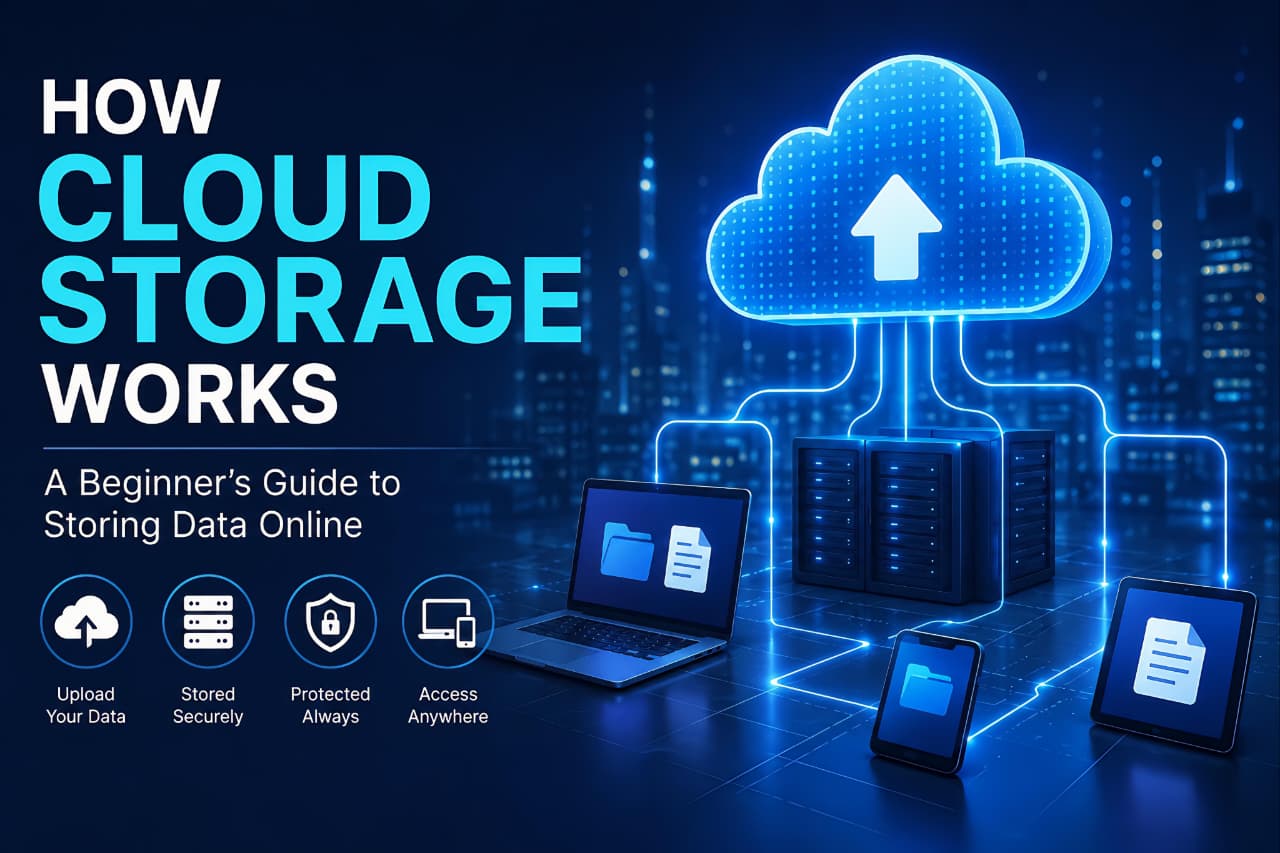
Cloud storage has become an essential part of modern technology. From storing personal photos and videos to managing business documents and backups, millions of people use cloud storage every day without fully understanding how it works behind the scenes.
Whether you’re uploading files to Google Drive, backing up photos to iCloud, or sharing documents through Dropbox, cloud storage makes it possible to access your data from almost anywhere with an internet connection.
According to IBM, cloud storage allows users and organizations to store data remotely while accessing it securely through internet-connected services.
As more individuals and businesses move away from traditional storage methods, understanding cloud storage has become increasingly important. Cloud storage offers flexibility, scalability, and convenience that physical storage devices often cannot match. According to IBM, cloud storage allows data and files to be stored offsite and accessed through internet-connected services managed by third-party providers.
In this guide, you’ll learn what cloud storage is, how it works, its advantages and disadvantages, different storage models, security considerations, and how to choose the right solution for your needs.
Understanding how cloud storage works helps users store and access files more efficiently.
What Is Cloud Storage?
Cloud storage is a technology that allows users to store data on remote servers instead of saving files directly on a local device such as a computer, external hard drive, or USB drive.
Rather than keeping data physically on your device, cloud storage providers maintain large data centers that store and manage information securely. Users can upload, access, modify, and share files through the internet whenever needed.
Common examples of cloud storage services include:
- Google Drive
- Microsoft OneDrive
- Dropbox
- Apple iCloud
- Amazon S3
These services allow users to store documents, photos, videos, backups, and other digital files without depending entirely on local storage devices.
How Cloud Storage Works
At its core, cloud storage works by transferring data from your device to remote servers operated by a cloud provider.
Here’s a simple breakdown of the process:
Step 1: Uploading Data
When you upload a file, the data travels through an internet connection to the provider’s servers.
For example, if you upload a photo to Google Drive, that image is sent from your phone or computer to Google’s data centers.
The first step in understanding how cloud storage works is learning how data moves from a local device to remote servers.
Step 2: Data Storage
Once the file reaches the server, it is stored across multiple physical storage systems.
Most cloud providers use distributed storage infrastructure, meaning data is often stored in multiple locations for reliability and redundancy.
This helps prevent data loss if one server experiences a failure.
This process is a key part of how cloud storage works, ensuring files remain available even if individual servers fail.
Step 3: Data Management
Cloud providers manage:
- Storage hardware
- Software infrastructure
- Security systems
- Maintenance
- Backups
- Network performance
Users do not need to maintain physical storage equipment themselves.
Step 4: Accessing Files
Whenever you need a file, the cloud platform retrieves the data from its servers and delivers it to your device through the internet.
This process usually happens within seconds.
Why Cloud Storage Has Become So Popular
Cloud storage has gained widespread adoption because it solves many problems associated with traditional storage methods.
Instead of carrying external drives or worrying about device failures, users can securely access files from multiple devices.
Some of the biggest reasons for its popularity include:
- Easy accessibility
- Remote collaboration
- Automatic backups
- Scalability
- Reduced hardware dependency
- File synchronization across devices
These advantages make cloud storage useful for both individuals and businesses.
Understanding how cloud storage works helps explain why cloud services have become so popular among both individuals and businesses.
Types of Cloud Storage
Not all cloud storage systems work the same way.
There are three primary types of cloud storage.
1. Object Storage
Object storage stores data as individual objects instead of traditional files and folders.
Each object contains:
- Data
- Metadata
- Unique identifier
This model is commonly used for:
- Large-scale backups
- Media files
- Cloud applications
- Big data environments
Object storage is highly scalable and widely used by cloud providers.
2. File Storage
File storage organizes data into folders and directories.
This is the format most users are familiar with.
Examples include:
- Shared company folders
- Team collaboration systems
- Personal document storage
File storage makes finding and organizing files straightforward.
3. Block Storage
Block storage divides data into smaller blocks and stores them separately.
It is commonly used for:
- Databases
- Enterprise applications
- High-performance workloads
Block storage offers faster performance but requires more complex management.
Learning the different storage models also helps explain how cloud storage works for personal and business users.
Public, Private, and Hybrid Cloud Storage
Cloud storage can also be categorized based on deployment models.
Public Cloud Storage
Public cloud storage is managed by third-party providers and shared across multiple customers.
Examples include:
- Google Drive
- OneDrive
- Dropbox
This option is affordable and easy to scale.
Private Cloud Storage
Private cloud storage uses dedicated infrastructure for a single organization.
It offers:
- Greater control
- Enhanced security
- Custom configurations
Private cloud environments are often used by businesses with strict compliance requirements.
Hybrid Cloud Storage
Hybrid cloud combines public and private cloud systems.
Organizations can store sensitive data privately while using public cloud services for less critical information.
This approach offers flexibility and cost efficiency.
Different deployment models demonstrate how cloud storage works in various environments, from personal use to enterprise systems.
Benefits of Cloud Storage
Cloud storage offers several important advantages.
Accessibility
Users can access files from almost any device connected to the internet.
Whether you’re at home, in the office, or traveling, your files remain available.
Scalability
Cloud storage can grow as your needs increase.
Instead of purchasing additional hardware, users can simply upgrade their storage plans.
Automatic Backup
Many cloud services automatically synchronize and back up files.
This reduces the risk of losing important data due to device failures.
Collaboration
Teams can share files and collaborate in real time.
This is particularly useful for remote work environments.
Cost Efficiency
Cloud storage eliminates many hardware and maintenance costs associated with traditional storage infrastructure.
Potential Risks of Cloud Storage
Although cloud storage offers many benefits, it is not without challenges.
Internet Dependency
Without an internet connection, accessing cloud files may become difficult.
Security Concerns
Data breaches, weak passwords, and phishing attacks can expose sensitive information.
Service Outages
Even major cloud providers occasionally experience downtime.
Subscription Costs
While many services offer free plans, larger storage needs often require paid subscriptions.
Many of these advantages become clearer when users learn how cloud storage works in real-world situations.
How Cloud Storage Works for Everyday Users
Cloud storage is no longer used only by businesses. Everyday users rely on cloud storage for backing up photos, storing important documents, syncing files across multiple devices, and sharing information with friends and family. The convenience of accessing files from anywhere has made cloud storage an essential part of modern digital life.
Is Cloud Storage Secure?
Cloud storage providers invest heavily in security technologies.
Common security features include:
- Encryption
- Multi-factor authentication
- Access controls
- Activity monitoring
- Data redundancy
However, security also depends on user behavior.
Using strong passwords and enabling two-factor authentication can significantly improve account protection.
Many experts recommend following the “3-2-1 Backup Rule”:
- Three copies of data
- Two different storage formats
- One off-site backup
This strategy helps reduce the risk of permanent data loss.
Learning how cloud storage works can help users better understand security and privacy protections.
Users should also learn How to Protect Your Personal Data Online to improve cloud security and privacy.
Cloud Storage vs Local Storage
Cloud Storage
Advantages:
- Accessible anywhere
- Automatic synchronization
- Easy collaboration
- Scalable capacity
Disadvantages:
- Requires internet access
- Ongoing subscription costs
Local Storage
Advantages:
- Faster offline access
- Full physical control
Disadvantages:
- Hardware failure risks
- Limited scalability
- Manual backups required
For many users, combining both methods provides the best balance of convenience and security.
Comparing both options is one of the easiest ways to understand how cloud storage works compared to traditional storage methods.
Popular Cloud Storage Services
Several providers dominate the cloud storage market.
Google Drive
Known for:
- Google Workspace integration
- Real-time collaboration
- User-friendly interface
Microsoft OneDrive
Popular among:
- Windows users
- Microsoft 365 customers
Dropbox
Well known for:
- File synchronization
- Team collaboration features
- Easy sharing options
Apple iCloud
Designed primarily for:
- iPhone
- iPad
- Mac users
Before choosing a provider, it is useful to understand how cloud storage works and how files are managed across different servers.
Many modern productivity apps rely on cloud storage, including several Free AI Apps for Smartphones.
How to Choose the Right Cloud Storage Service
Before selecting a provider, consider:
Storage Capacity
How much data do you need to store?
Security Features
Look for:
- Encryption
- Two-factor authentication
- Privacy controls
Pricing
Compare free and paid plans carefully.
Device Compatibility
Ensure the service supports your devices and operating systems.
Collaboration Features
If you work with teams, file sharing and collaboration tools may be important.
Best Practices for Using Cloud Storage
To maximize security and efficiency:
- Use strong passwords
- Enable two-factor authentication
- Organize files properly
- Back up important data regularly
- Review sharing permissions
- Avoid uploading sensitive data without encryption
Following these practices can significantly reduce security risks.
Following these recommendations becomes easier when users understand how cloud storage works and how cloud providers manage data.
The Future of Cloud Storage
Cloud storage continues to evolve as data demands increase.
Future developments may include:
- Faster cloud infrastructure
- Improved encryption technologies
- Better automation
- Enhanced disaster recovery systems
- Greater integration with cloud computing platforms
As businesses generate larger volumes of data, cloud storage will likely remain a critical component of modern digital infrastructure.
As technology evolves, understanding how cloud storage works will become even more important for managing digital information effectively.
Future cloud platforms will increasingly support advanced technologies such as Multimodal AI.
Final Thoughts
Cloud storage has transformed the way individuals and organizations manage digital information. Instead of relying solely on physical storage devices, users can securely store, access, and share files through internet-connected platforms.
Understanding how cloud storage works helps users make better decisions about data management, security, and storage solutions. Whether you’re storing personal photos, business documents, or important backups, cloud storage offers flexibility and convenience that traditional storage methods often cannot provide.
Understanding how cloud storage works is becoming increasingly important as more data moves online.
Understanding cloud technologies can also help users explore future innovations such as What Is Agentic AI.
As technology continues to advance, cloud storage will remain one of the most important tools for managing and protecting digital information.
Frequently Asked Questions (FAQ)
What is cloud storage in simple terms?
Cloud storage is a service that stores your files on remote internet-connected servers instead of directly on your computer or phone.
Is cloud storage safe?
Most cloud storage providers use encryption and advanced security measures, but users should also use strong passwords and two-factor authentication.
Can cloud storage replace external hard drives?
Cloud storage can reduce dependence on external drives, but many experts recommend using both for additional protection.
Do I need internet access to use cloud storage?
Yes, internet access is typically required to upload, sync, and retrieve files from cloud storage services.
What is the difference between cloud storage and cloud computing?
Cloud storage focuses on storing and managing data, while cloud computing provides computing resources such as servers, applications, and processing power.
Which cloud storage service is best?
The best option depends on your needs, budget, security requirements, and preferred ecosystem. Popular choices include Google Drive, OneDrive, Dropbox, and iCloud.
How cloud storage works when files are uploaded?
When users upload files, cloud servers store and replicate the data across multiple systems. This explains how cloud storage works to improve reliability and accessibility.