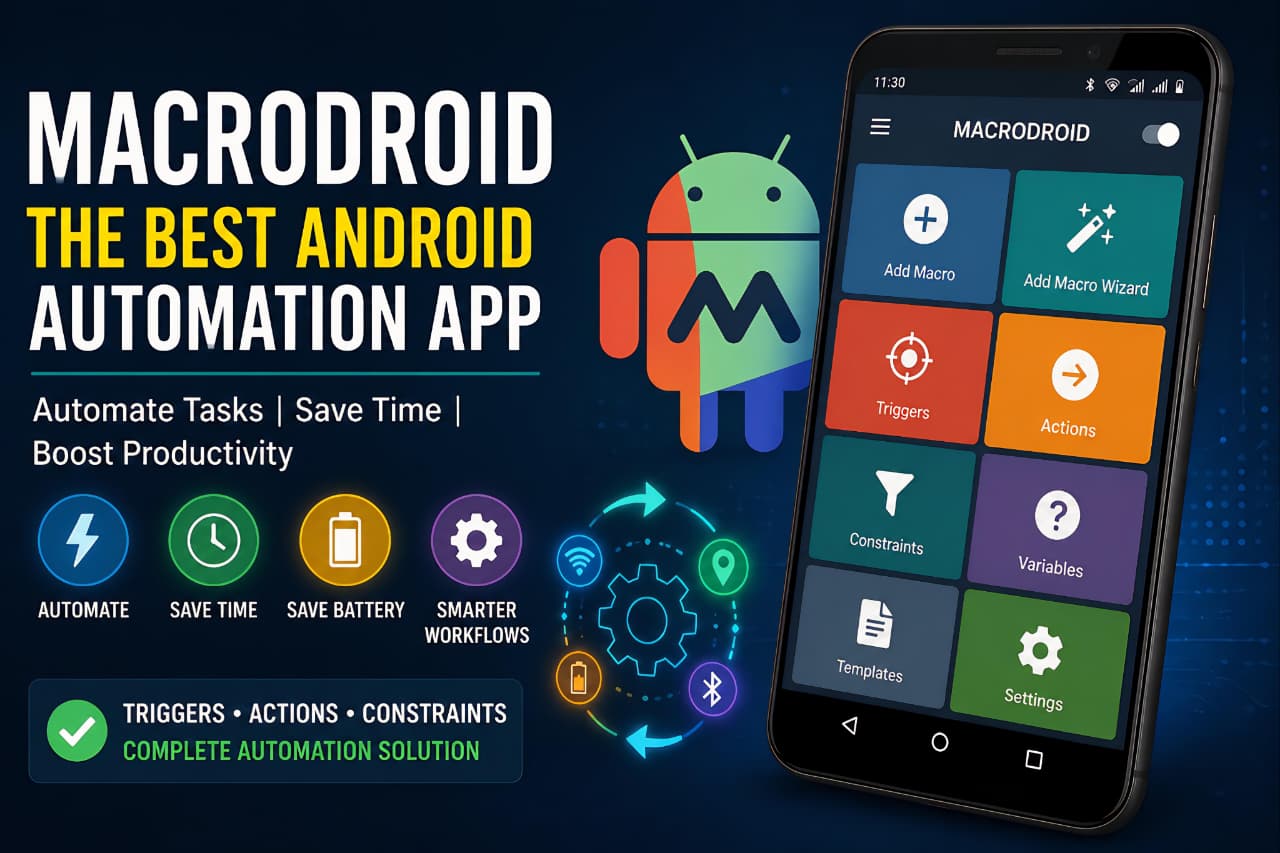
Android users always look for ways to make their smartphones smarter and faster. Most people repeat the same tasks every single day without realizing how much time they waste. Turning Wi‑Fi on and off, opening apps repeatedly, changing brightness manually, activating silent mode during work, or enabling battery saver at night all these small actions become frustrating over time.
This is where MacroDroid becomes extremely useful.
MacroDroid is one of the most powerful and beginner-friendly Android automation apps available today. It allows users to automate tasks on their Android devices without needing coding knowledge or technical expertise.
Unlike complicated automation tools, MacroDroid focuses on simplicity while still offering advanced features. Whether you are a student, gamer, office worker, creator, or productivity enthusiast, this app can save both time and effort.
Millions of Android users now rely on MacroDroid because it combines powerful automation with a clean and easy-to-understand interface.
MacroDroid is widely considered the best Android automation app for users who want smart productivity and task automation.
What is MacroDroid?
MacroDroid is an Android automation application developed to automate repetitive smartphone tasks using triggers, actions, and constraints.
The app works through a simple 3-step process:
- Choose a Trigger
- Select an Action
- Add Constraints if needed
For example:
When you connect your Bluetooth earbuds, MacroDroid can automatically:
- Open Spotify
- Increase media volume
- Launch equalizer settings
- Enable mobile data
All of this happens automatically without touching your phone manually.
This makes MacroDroid one of the best Android automation apps for both beginners and advanced users.
What is MacroDroid?
MacroDroid is an Android automation application developed to automate repetitive smartphone tasks using triggers, actions, and constraints.
The app works through a simple 3-step process:
- Choose a Trigger
- Select an Action
- Add Constraints if needed
For example:
When you connect your Bluetooth earbuds, MacroDroid can automatically:
- Open Spotify
- Increase media volume
- Launch equalizer settings
- Enable mobile data
All of this happens automatically without touching your phone manually.
This makes MacroDroid one of the best Android automation apps for both beginners and advanced users.
Why MacroDroid is So Popular
One of the biggest reasons behind MacroDroid’s popularity is its simplicity.
Many automation apps feel complicated for normal users. Apps like Tasker are extremely powerful but often difficult to learn. MacroDroid solves this problem by offering a visual and beginner-friendly workflow.
Users can create automations within minutes.
The app also includes:
- Ready-made templates
- Step-by-step setup wizard
- Simple user interface
- Community-shared macros
- Large automation library
Even users with zero technical knowledge can automate their Android phone easily.
Best Features of MacroDroid
1. Huge Number of Triggers
Triggers are the events that start automation.
MacroDroid includes more than 80+ triggers such as:
- Wi‑Fi connected/disconnected
- Bluetooth connected
- Incoming SMS
- Battery percentage level
- Device shake
- Headphones plugged in
- Notification received
- Screen ON/OFF
- Location changes
- App opened or closed
- Voice trigger
- NFC trigger
These triggers allow users to automate almost every part of their Android experience.
Example:
When you arrive home:
- Wi‑Fi turns ON
- Mobile data turns OFF
- Volume decreases
- Smart lights activate
Everything happens automatically.
2. Powerful Actions
Actions are what MacroDroid performs after a trigger activates.
The app supports over 100+ actions including:
- Open applications
- Send SMS automatically
- Toggle Wi‑Fi or Bluetooth
- Control brightness
- Adjust media volume
- Enable battery saver
- Read notifications aloud
- Launch camera
- Control music playback
- Create floating buttons
- File management tasks
- Device reboot (rooted phones)
The best part is that many actions work without root access.
That makes MacroDroid useful for normal Android users who do not want to modify their phones deeply.
3. Constraints System
Constraints help control when a macro should run.
For example:
You may want your phone to enter silent mode only during office hours.
MacroDroid allows conditions like:
- Time restrictions
- Specific days
- Battery level conditions
- Headphone status
- Screen state
- Charging status
- Location-based conditions
This makes automations smarter and more accurate.
4. Ready-Made Templates
One of MacroDroid’s best features is its template system.
Users can download automation templates created by the community.
This is perfect for beginners because they do not need to create complex macros manually.
Popular templates include:
- Driving mode
- Gaming mode
- Battery saver mode
- Smart charging alerts
- Auto call recording
- WhatsApp quick replies
- Night mode automation
Templates save a huge amount of setup time.
Real-Life Uses of MacroDroid
Battery Saving Automation
Battery optimization is one of the most common reasons people use MacroDroid.
Users can automate:
- Reduce brightness below 20% battery
- Disable Wi‑Fi automatically
- Turn OFF GPS when unused
- Activate battery saver mode
- Disable background sync during sleep
This helps improve battery life significantly.
Many users prefer MacroDroid because the best Android automation app can significantly improve battery management and phone efficiency.
Facing fast battery drain issues? Our detailed Android battery optimization guide may help you fix the problem easily.
Driving Mode Automation
Driving automation is another popular feature.
When your phone connects to your car Bluetooth:
- Music opens automatically
- Notifications are read aloud
- Auto-reply messages activate
- Navigation apps launch instantly
This improves safety while driving.
Gaming Mode
Gamers use MacroDroid to improve mobile gaming performance.
When a game launches:
- Brightness increases
- Do Not Disturb mode activates
- Background apps close
- Volume changes automatically
- Gaming tools open instantly
This creates a smoother gaming experience.
Gamers often look for the best Android automation app to create automatic gaming profiles and performance optimizations.
Smart Home Automation
MacroDroid can also work with smart devices and plugins.
Advanced users automate:
- Smart lights
- Smart speakers
- IoT devices
- Telegram notifications
- Voice assistant commands
- Remote device control
This makes Android devices much smarter.
A best Android automation app can also improve smart home control through automated workflows and device integrations.
Users interested in connected technologies can also learn How Cloud Storage Works.
MacroDroid vs Tasker
MacroDroid is often compared with Tasker because both apps focus on Android automation.
Here is the biggest difference:
| Feature | MacroDroid | Tasker |
|---|---|---|
|
Beginner Friendly |
Excellent |
Difficult |
|
Interface |
Simple |
Complex |
|
Learning Curve |
Easy |
High |
|
Templates |
Yes |
Limited |
|
Advanced Automation |
Very Good |
Excellent |
|
Ease of Setup |
Fast |
Complicated |
Tasker offers deeper technical customization.
However, MacroDroid provides the perfect balance between simplicity and powerful automation.
For most users, MacroDroid is easier, cleaner, and faster to use daily.
User Interface & Experience
MacroDroid’s user interface is one of its strongest advantages.
The app feels lightweight, organized, and modern.
Important UI features include:
- Step-by-step macro builder
- Search functionality
- Organized categories
- Dark mode support
- Simple navigation
- Easy editing options
Even older Android phones run MacroDroid smoothly.
Unlike many heavy automation apps, it does not feel confusing or overloaded.
Is MacroDroid Safe to Use?
Yes, MacroDroid is generally considered safe.
The app may request permissions such as:
- Accessibility access
- Notification access
- Location access
- Device administrator permissions
These permissions are necessary for automation features to work correctly.
Users should always understand what permissions they grant.
MacroDroid has maintained a strong reputation among Android users for reliability and functionality.
Users should also understand How to Protect Your Personal Data Online while granting app permissions.
Free Version vs Pro Version
MacroDroid offers both free and premium versions.
Free Version
The free version includes:
- Limited macros
- Advertisements
- Basic automation features
Pro Version
The premium version unlocks:
- Unlimited macros
- No ads
- Advanced features
- Full automation freedom
For heavy users, the Pro version is definitely worth the upgrade.
One reason MacroDroid is called the best Android automation app is its balance between simplicity and advanced functionality.
Who Should Use MacroDroid?
MacroDroid is ideal for:
- Students
- Office workers
- Gamers
- Content creators
- Smart home users
- Android power users
- Productivity enthusiasts
If you want your smartphone to work smarter instead of harder, MacroDroid is one of the best Android automation apps available today.
Advantages of MacroDroid
Pros
- Beginner-friendly interface
- Powerful automation system
- Huge trigger library
- Excellent battery-saving options
- Works without root access
- Community template support
- Lightweight performance
- Frequent updates
Cons
- Some advanced features need extra permissions
- Very complex automations may still require Tasker
- Certain Android restrictions vary by device brand
Final Verdict
MacroDroid is easily one of the best Android automation apps available today.
It combines simplicity, flexibility, and smart automation into a lightweight application that almost anyone can use.
Whether you want:
- Better battery life
- Faster workflows
- Smart gaming setup
- Driving automation
- Productivity improvements
- Smart home integration
MacroDroid delivers excellent results.
The biggest strength of MacroDroid is accessibility.
It makes Android automation simple enough for beginners while still offering advanced functionality for power users.
If you are looking for a reliable Android automation tool that genuinely improves your smartphone experience, MacroDroid is absolutely worth trying.
Among all productivity tools, MacroDroid stands out as the best Android automation app for beginners and advanced users.
Users interested in AI-powered automation can also explore What Is Agentic AI.
FAQs
Is MacroDroid free?
Yes, MacroDroid offers a free version with limited macros and ads.
Does MacroDroid require root?
No, most features work without root access.
Is MacroDroid better than Tasker?
For beginners and daily users, MacroDroid is easier and more user-friendly than Tasker.
Can MacroDroid save battery?
Yes, many users use MacroDroid for battery-saving automation.
Is MacroDroid safe?
Yes, the app is widely trusted and used by millions of Android users.
Which is the best Android automation app?
MacroDroid is considered one of the best Android automation apps for Android users.
Why is MacroDroid called the best Android automation app?
MacroDroid combines simple setup, smart automation, and productivity features in one app.