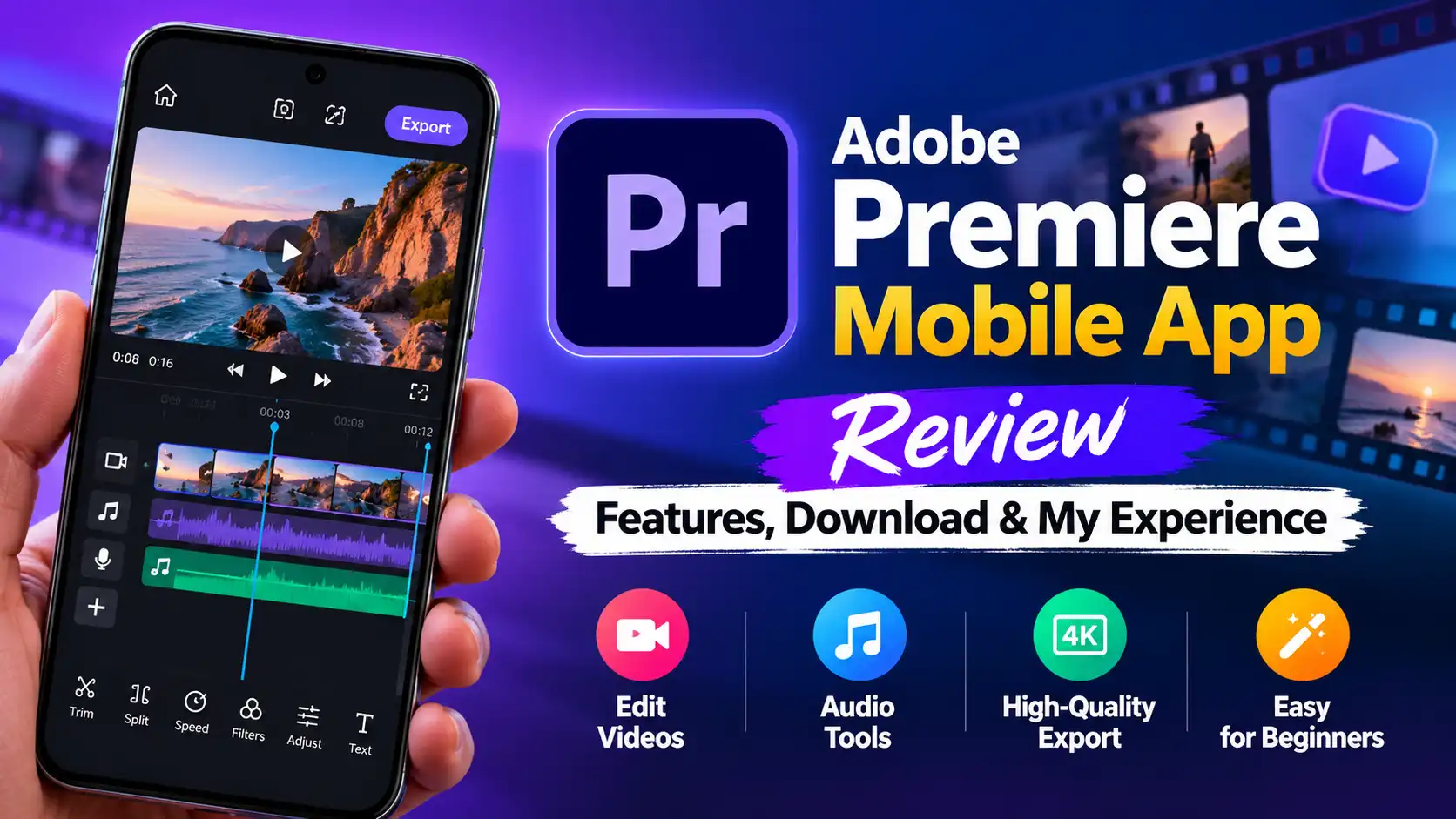
The Adobe Premiere mobile app is Adobe’s mobile video editor, designed for creators who want to edit videos directly on their phones. It offers essential editing tools, audio features and watermark-free exports. After launching on iPhone, it arrived on Android in September 2026. But is it a good choice for beginners and content creators? Here is my experience and an overview of its features, limitations and download options.
Adobe Premiere Mobile App Download
Getting started is straightforward, and you can use the core editing tools without an Adobe subscription.
Android: Download from Google Play.
iPhone: Search for Adobe Premiere in the Apple App Store.
Cost: Core editing tools are free, while some generative AI features may require additional credits or a paid plan.
Before installing, check your device’s compatibility and the latest requirements on the official app listing.
Key Features of the Adobe Premiere Mobile App
The Adobe Premiere mobile app includes several tools for creating videos for social media and everyday use.
Multi-track timeline: Arrange video clips, music and voiceovers on a timeline.
Basic editing tools: Trim, split, crop and combine clips to create a finished video.
Text and effects: Add titles, transitions and visual effects to improve your content.
Audio editing: Add background music and voiceovers to make videos more engaging.
Templates: Use available templates to simplify video creation.
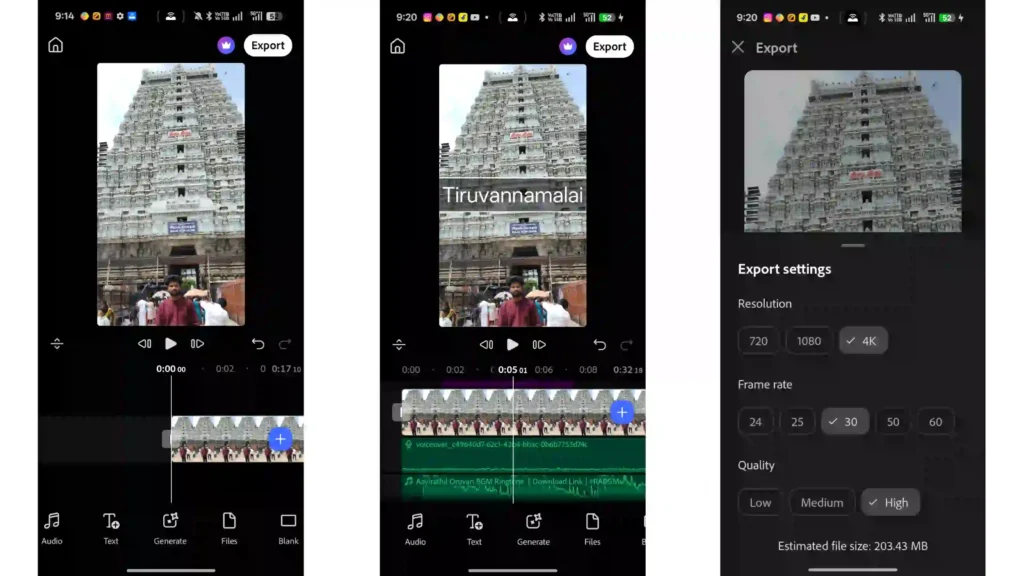
4K export: Export videos in supported 4K formats without a watermark.
Social media content: Create videos suitable for platforms such as YouTube Shorts.
Feature availability may vary depending on the device and app version. Check Adobe’s official documentation for the latest information.
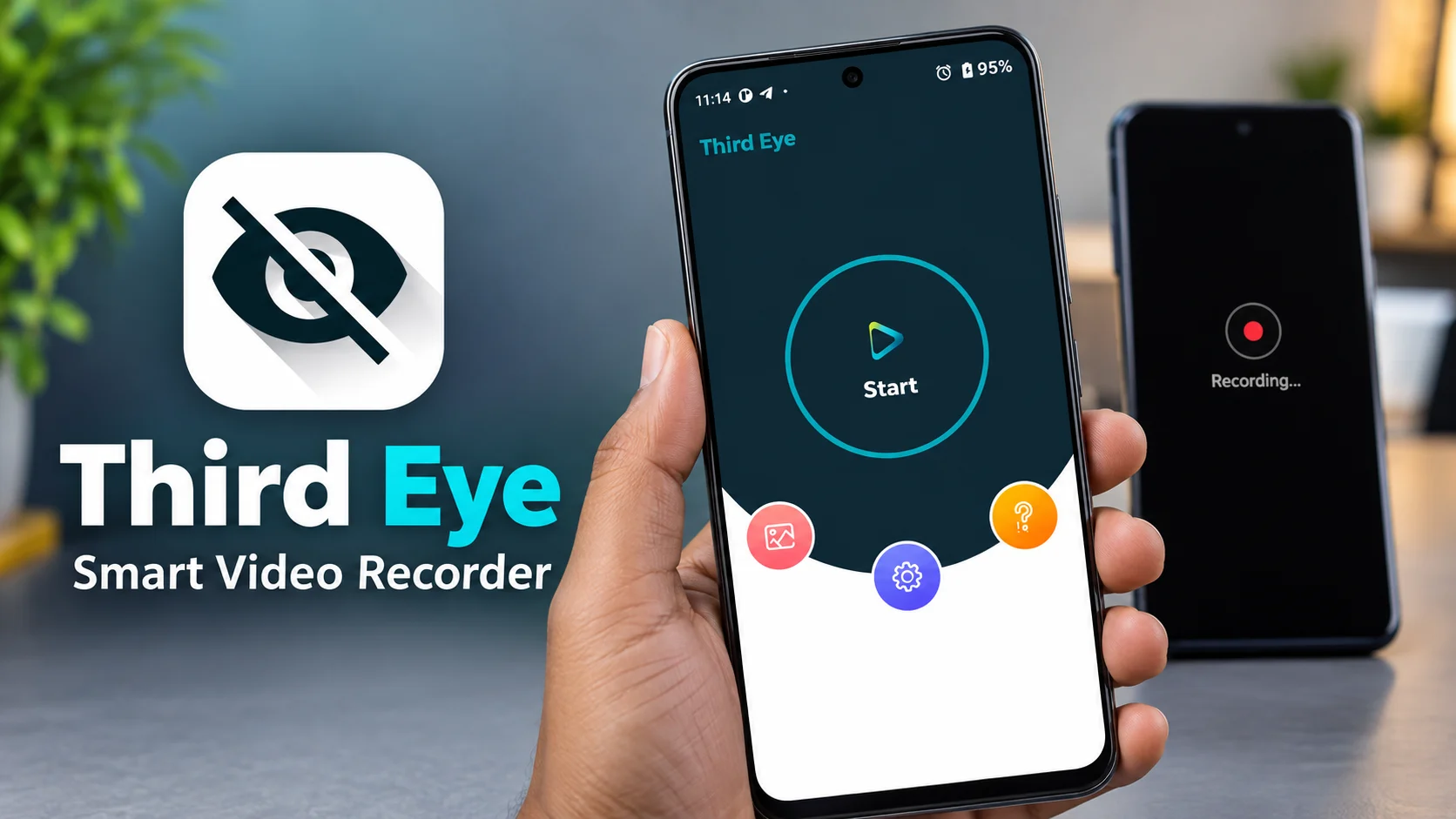
If you are interested in exploring more mobile recording tools, check out our Third Eye Smart Video Recorder Review to learn more about another Android recording app.
My Experience Using Adobe Premiere Mobile
After trying the Adobe Premiere mobile app myself, I would call it a video editor made for beginners. The layout is clean, the tools are easy to find, and I could trim a clip or add background music within minutes. Adding audio and voiceovers felt smooth, and the export quality was good enough for social media. The weak point is depth. Several features I expected are still missing, and the app has not received many updates yet. If you edit often, you will notice the gaps quickly: there are no keyframes yet, and the advanced controls that editors rely on are limited. Adobe says more is on the way, and I hope those updates arrive soon, because the foundation is solid. With more advanced features, this app could compete with the best mobile editors.
Pros and Cons of Adobe Premiere Mobile
Pros
Beginner-friendly interface
Free core editing tools
Watermark-free exports
Useful audio and video editing features
Suitable for short-form content
Cons
Limited advanced editing controls
Feature availability varies by platform
Some AI features may require payment
Advanced creators may need another editor
Is the Adobe Premiere Mobile App Worth It?
The Adobe Premiere mobile app is worth trying if you are a beginner, student or social media creator who needs a straightforward editing workflow. Its basic tools and watermark-free exports make it useful for everyday videos and YouTube Shorts.
However, experienced editors may need more control over animations, effects and other advanced editing tasks. Before switching from your existing editor, compare the features available on your device and test the app with your own footage.
Overall, Adobe Premiere mobile is a promising option for basic mobile video editing. Its suitability depends on your editing needs and the features currently available in your version.
Before editing and exporting videos, make sure your phone has enough free storage space. If you need help managing your device storage, read our guide on how to free up storage on Android to learn practical ways to free up space.
Frequently Asked Questions
Is Adobe Premiere mobile free?
Yes. Core editing tools are free, while some generative AI features require paid credits.
Does Adobe Premiere mobile export without a watermark?
Yes. The app supports watermark-free video exports.
Is Adobe Premiere available on Android?
Can Adobe Premiere mobile export 4K videos?
Can Adobe Premiere mobile export 4K videos?
Yes. The Android app supports 4K exports.