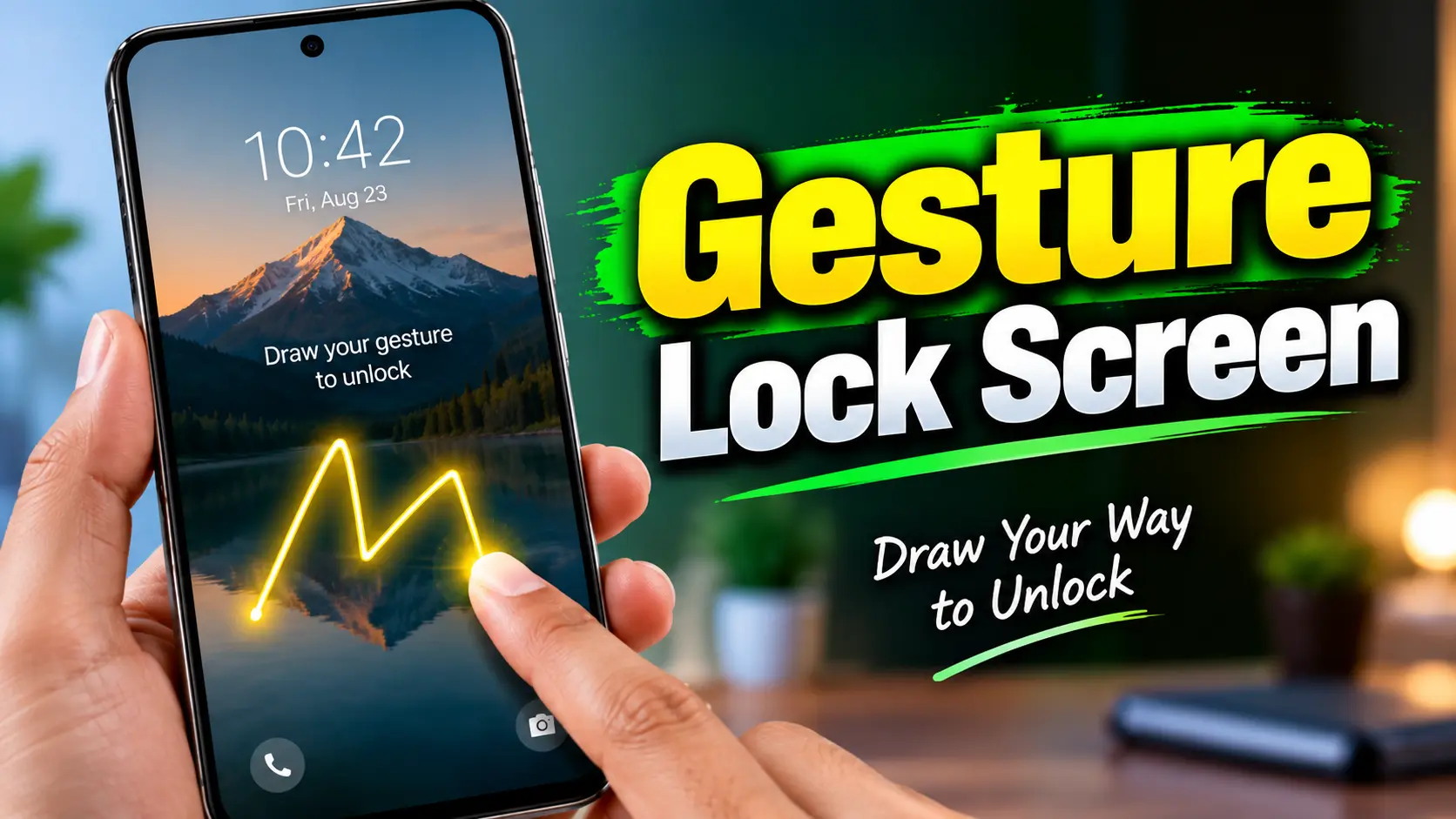
Unlocking a smartphone is something we do many times every day. Most Android phones offer familiar options such as PINs, passwords, patterns, fingerprints, and face unlock. However, some users may prefer a more personalized way to access their device.
Gesture Lock Screen by Q Locker takes a different approach by allowing users to create a custom gesture and use it as a password. Instead of entering a traditional PIN or following a fixed pattern, users can draw their own gesture on the lock screen.
The app also includes features such as recovery passwords, time passwords, intruder alerts, customizable wallpapers, sounds, and unlock animations. This makes it more than just a basic lock-screen application.
What Is Gesture Lock Screen?
Gesture Lock Screen is an Android application designed to provide a gesture-based unlocking experience. The main idea is simple: users create a custom drawing or gesture and then use that gesture whenever they want to unlock their phone.
According to the app’s Google Play listing, users can create gestures using letters, numbers, symbols, signatures, or other designs. The app supports both single-stroke and multiple-stroke gestures, giving users flexibility when creating their unlock method.
For someone who does not want to use the same traditional pattern style found on many Android phones, this approach can provide a more personalized experience.
The gesture can also be changed later, so users are not permanently tied to the first gesture they create.
How Does Gesture Lock Screen Work?
The basic setup is straightforward. After installing the app, users create their preferred gesture and configure it as their unlock password.
Once the lock screen is active, the user draws the same gesture to access the device. Depending on the selected settings, the gesture can be customized in terms of appearance and visibility.
For example, a user could create a simple letter, number, symbol, or signature-style drawing. The important point is that the gesture should be something the user can reproduce consistently.
The app also provides options for managing gestures, including adding, changing, or deleting them. This can be useful if you want to update your lock method periodically.
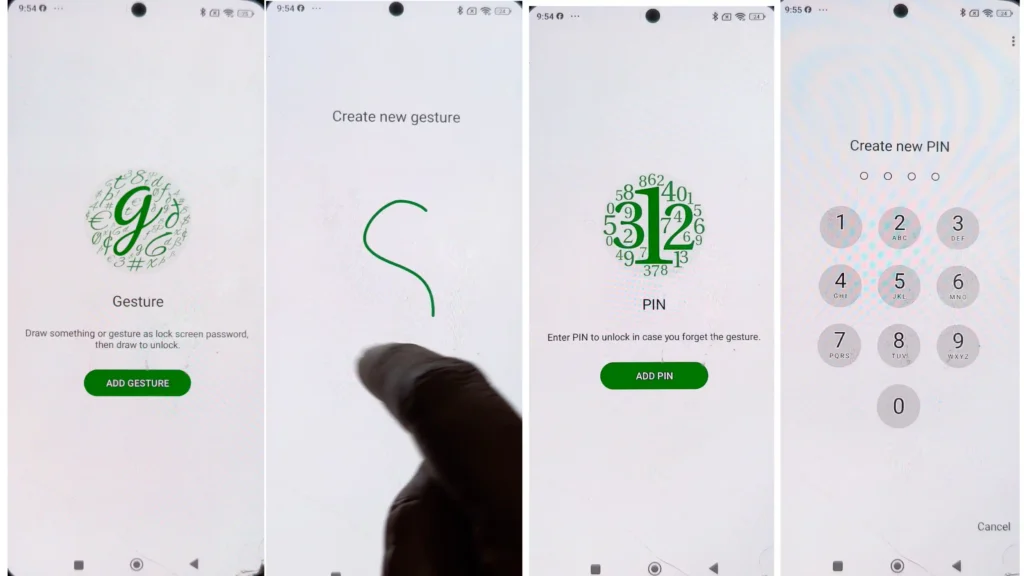
Recovery Password
One of the important features of any custom lock system is a recovery option.
A complicated gesture can sometimes be difficult to remember, especially if you have not used it for a long time. Gesture Lock Screen includes a recovery password that can be used if the primary gesture is forgotten.
The Google Play listing states that users can set a 4-to-8-digit recovery password.
This provides an additional way to regain access if the gesture is not remembered correctly. Users should choose a recovery password carefully and avoid simple combinations that other people could easily guess.
Intruder Selfie and Alerts
Gesture Lock Screen also includes an Intruder Selfie feature.
The idea behind this feature is to help users identify someone who attempts to access the phone using an incorrect gesture or PIN. The app can capture an image after unsuccessful attempts, depending on the configured settings.
The Google Play description also mentions intruder notifications and an option related to sending an alert and photo to an email address.
This can be useful if someone tries to access your phone without permission. However, users should understand that an intruder-alert feature is an additional security feature and should not be treated as a guarantee that a phone cannot be accessed.
Its behavior can depend on Android permissions, device settings, and the way the application is configured.
Install Gesture Lock Screen
Time Password Feature
Another interesting option available in Gesture Lock Screen is the Time Password feature.
Instead of depending entirely on one fixed password, the password can be based on the current time. The app provides different ways to use the current hour and minute as part of the password system.
This gives users another unlocking method and can be useful for people who prefer a password that changes according to the time.
However, users should understand exactly how the selected time-password format works before depending on it as their primary unlocking method.
Customize Your Lock Screen
Gesture Lock Screen is not limited to the password itself. It also provides several customization options for the lock screen.
Users can select wallpapers, customize gesture colors, and change different visual elements of the lock screen. The app also provides options for lock, unlock, and error sounds, along with unlock animations.
According to its Google Play listing, the app also supports features such as date and time customization and wallpaper options.
These features can make the lock screen feel more personal instead of looking like a standard Android security screen.
For users who enjoy customizing their smartphone interface, this can be one of the more interesting parts of the application.
Privacy and Data Safety
Privacy is an important consideration when installing any application that interacts with a smartphone’s lock screen.
According to the developer’s information on Google Play, Gesture Lock Screen uses the Accessibility API to help keep the lock screen secure during phone calls.
The Google Play Data Safety section should also be reviewed before installing the app because it provides information about the types of data the developer says the application may collect or handle.
Google Play currently provides developer disclosures concerning app information and performance and device or other IDs, along with information about data sharing and encryption. These disclosures can change over time as an application is updated.
For that reason, users should always check the current Data Safety section and the developer’s privacy policy before installing or updating a lock-screen application.
It is also important not to assume that an application is completely private simply because it is designed for phone security. Understanding the permissions requested by the application is an important part of using it safely.
Before installing the app, readers should review the latest Gesture Lock Screen app information and privacy details on Google Play.
Why Does the App Need Accessibility Permission?
Accessibility permissions deserve particular attention because they can provide applications with powerful access to certain Android functions.
In the case of Gesture Lock Screen, the developer explains that the Accessibility API is used to help keep the lock screen secure during phone calls.
Users should always understand why an application requests an accessibility permission before enabling it. If the app requires a permission, compare that permission with the functionality described by the developer and review the permission settings on your Android phone.
This is especially important for applications that operate around the lock screen because they need to interact closely with the Android system.
If you want to understand how Android accessibility features work, Google’s official Android Accessibility API documentation provides detailed information.
Is Gesture Lock Screen Easy to Use?
The basic concept of Gesture Lock Screen is relatively simple. Instead of remembering a conventional pattern, users create a gesture that they can draw themselves.
The experience can be convenient for people who prefer visual or personalized passwords. At the same time, the gesture should not be unnecessarily complicated because forgetting it can create an inconvenience.
The recovery password becomes particularly important in this situation. Setting it up correctly before relying on the gesture can provide an additional recovery option.
Users should also spend some time testing the lock and recovery process after installation rather than immediately depending on the app for everyday phone access.
Things to Consider Before Using the App
Before using any third-party lock-screen application, there are a few things worth checking.
First, review the permissions requested by the application. Second, read the current privacy policy and Google Play Data Safety information. Third, make sure you understand the recovery method.
It is also useful to remember that third-party lock-screen applications can behave differently depending on the Android version, smartphone manufacturer, battery optimization settings, and other system restrictions.
For important device security, users should understand how the third-party lock screen works together with Android’s built-in security features.
Final Thoughts
Gesture Lock Screen provides a different way to unlock an Android smartphone by allowing users to create a custom gesture password.
Its main features include custom gesture unlocking, recovery passwords, time-based password options, intruder alerts, wallpapers, sounds, animations, and other lock-screen customization features.
The app may be particularly interesting for users who want something different from a traditional PIN or standard Android pattern. At the same time, privacy and permissions should not be overlooked. Users should review the latest Google Play Data Safety information, privacy policy, and requested permissions before using the application.
Overall, Gesture Lock Screen focuses on combining a personalized unlocking method with additional lock-screen features. If you are interested in using a gesture instead of a conventional unlock pattern, the app provides several options worth exploring.
Before installing or updating the app, users can check the Gesture Lock Screen Google Play listing for the latest features and developer-provided information.